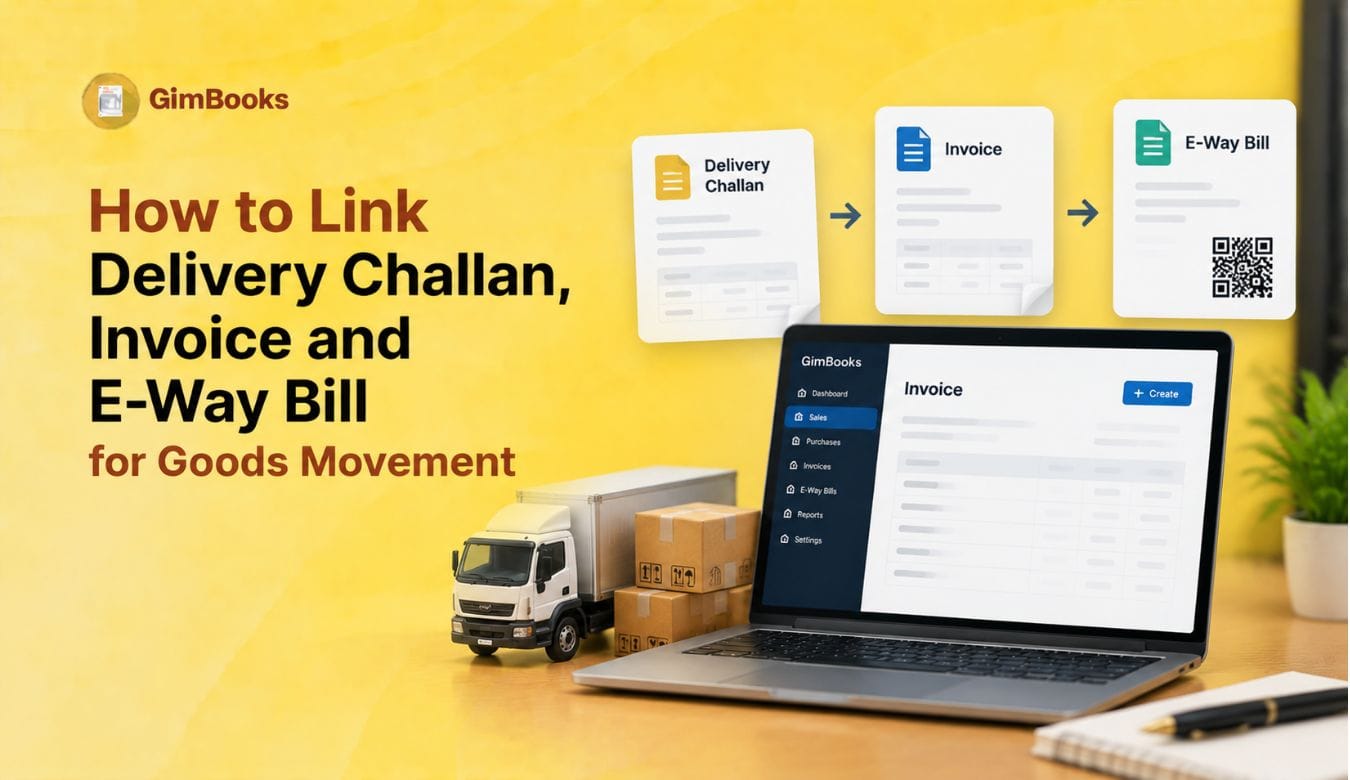
How to Link Delivery Challan, Invoice and E-Way Bill for Goods Movement
Goods movement under GST often involves more than one document. A business may create a tax invoice for a sale, a delivery challan for non-sale movement, and an e-way bill for transporting goods. If these documents are not linked properly, dispatch teams may face confusion, transport delays, reconciliation issues and compliance risk.
For manufacturers, distributors, wholesalers and warehouse teams, the key question is: which document should be linked with the e-way bill — invoice or delivery challan?
The answer depends on the nature of movement. If goods are moving because of a taxable sale, the e-way bill is usually linked to the invoice or bill of supply. If goods are moving for reasons other than immediate supply, such as job work, repair, branch movement, sample movement or goods sent on approval, the e-way bill may be generated using a delivery challan where applicable.
This guide explains how to link delivery challan, invoice and e-way bill for goods movement, what fields should match, when each document is used, and how dispatch teams can avoid GST document mismatch.
Why Linking Goods Movement Documents Matters
Goods movement records should clearly show what was moved, from where, to whom, under which document and through which vehicle or transporter.
If the delivery challan, invoice and e-way bill do not match, businesses may face issues such as:
- Goods held during transit due to document mismatch
- Wrong invoice or challan linked to e-way bill
- Incorrect consignee or delivery address
- Wrong GSTIN or URP entry
- E-way bill generated with old document date
- Inventory dispatch mismatch
- Customer dispute during delivery
- GSTR-1 or e-invoice reconciliation issue
- Missing proof for stock transfer, job work or repair movement
A clean document-linking process helps the accounts, warehouse and logistics teams work with the same source data.
For standard EWB creation workflows, you can also explore GimBooks E-Way Bills.
Delivery Challan, Invoice and E-Way Bill: What Each Document Does
Before linking documents, it is important to understand the role of each document.
A delivery challan and invoice should not be treated as the same document. An invoice records supply and tax liability. A delivery challan supports movement where invoice may not be issued at that stage.
When to Use Invoice for E-Way Bill
Use an invoice as the base document for e-way bill when the goods are moving because of a sale or taxable supply.
Common examples include:
In these cases, the e-way bill should match the invoice details such as invoice number, date, value, HSN, item details, GSTIN, ship-to address and vehicle details.
For invoice field accuracy, read GimBooks’ GST Invoice Mandatory Fields Audit Checklist.
When to Use Delivery Challan for E-Way Bill
Use a delivery challan when goods are transported for reasons where invoice is not issued at the time of removal or the movement is not directly a sale.
Common examples include:
Where an e-way bill is required, it can be generated using the delivery challan as the source document.
For a ready business template, use GimBooks’ Delivery Challan Format.
Delivery Challan vs Invoice: Quick Decision Table
This table should be used by dispatch teams before generating the e-way bill.
How to Link Delivery Challan to E-Way Bill
When goods are moving under a delivery challan, the e-way bill should use the challan as the document reference.
A simple linking process is:
- Create the delivery challan.
- Add consigner and consignee details.
- Add item, quantity, value, HSN and reason for movement.
- Select delivery challan as the document type while generating e-way bill.
- Enter challan number and date.
- Add dispatch-from and ship-to details.
- Add transporter or vehicle details.
- Generate the e-way bill.
- Save the EWB number against the delivery challan.
- Track goods movement and update final status.
The delivery challan number, challan date and goods details should match the e-way bill data.
How to Link Invoice to E-Way Bill
When goods are moving under a tax invoice, the e-way bill should use the invoice as the base document.
A simple linking process is:
- Create the GST invoice.
- Confirm buyer GSTIN or URP, where applicable.
- Confirm Bill-to and Ship-to details.
- Validate item details, HSN, quantity, taxable value and GST.
- Generate e-invoice first where e-invoicing applies.
- Generate e-way bill using invoice or IRN-linked data.
- Add vehicle number or transporter details.
- Save EWB number against the invoice.
- Share invoice and e-way bill details with dispatch/transporter.
- Reconcile delivery proof after goods are delivered.
For e-invoice-to-e-way bill workflows, use GimBooks E-Way Bills to manage movement documents more systematically.
Document Fields That Must Match
Whether the e-way bill is generated using invoice or delivery challan, the key fields should match.
Mismatch in these fields can create compliance and dispatch issues.
Goods Movement Document Mapping Examples
This mapping helps dispatch teams choose the correct document before vehicle movement.
Latest E-Way Bill Document Date Control
Businesses should also be careful about document dates. From January 2025, e-way bill generation was restricted to documents dated within 180 days from the e-way bill generation date.
This means if the invoice or delivery challan is too old, the e-way bill may not be generated. Dispatch teams should not keep old challans or invoices pending for movement.
Use this control:
This is important for pending dispatches, delayed job work movement, repair returns and old stock transfer documents.
Bill-to and Ship-to Checks
Many e-way bill errors happen because the invoice or challan has one address and the e-way bill has another.
Before generating e-way bill, check:
For detailed troubleshooting, read GimBooks’ E-Way Bill Ship-to GSTIN Error: Causes and Fixes and How to Enter URP in Ship-to GSTIN for Unregistered Consignees.
Linking Delivery Challan to Invoice Later
In some cases, goods may first move under a delivery challan and the invoice may be issued later.
This can happen when:
- Goods are sent for approval and later accepted.
- Quantity is unknown at the time of removal.
- Goods are sent to job worker and later returned or supplied.
- Goods are dispatched before final commercial billing.
- Movement is initially non-sale but later converted into supply.
When invoice is issued later, the business should maintain a clear reference between challan and invoice.
This linking helps during audit, inventory reconciliation and customer billing.
Linking Invoice to E-Way Bill After E-Invoice Generation
For businesses covered under e-invoicing, the invoice may first be reported to the IRP and then used for e-way bill generation.
The practical flow is:
GST invoice created↓Invoice data validated↓IRN generated where e-invoicing applies↓E-way bill generated using invoice/IRN details↓EWB number saved against invoice↓Goods dispatched with invoice and EWB details
This workflow helps reduce duplicate data entry and improves invoice-to-dispatch matching.
For common e-invoice validation issues, read GimBooks’ E-Invoice Error Codes and Fixes.
Delivery Challan to E-Way Bill Checklist
Use this checklist when generating e-way bill from a delivery challan:
- Confirm goods are moving under delivery challan, not tax invoice.
- Select delivery challan as document type.
- Enter challan number correctly.
- Enter challan date correctly.
- Add consigner and consignee details.
- Add HSN, item description and quantity.
- Enter taxable value or goods value as applicable.
- Select correct reason for transportation.
- Add dispatch-from and ship-to details.
- Validate PIN code, state and distance.
- Add transporter ID or vehicle number.
- Save EWB number against the challan.
- Carry delivery challan and EWB details during movement.
- Link challan to invoice later where applicable.
Invoice to E-Way Bill Checklist
Use this checklist when generating e-way bill from invoice:
- Confirm invoice is final and correct.
- Check invoice number and date.
- Confirm buyer GSTIN or URP.
- Validate Bill-to and Ship-to details.
- Check HSN/SAC and item quantity.
- Confirm invoice value and GST amount.
- Generate IRN first if e-invoicing applies.
- Generate EWB using invoice or IRN data.
- Add transporter or vehicle details.
- Save EWB number against invoice.
- Share documents with transporter.
- Reconcile delivery proof after movement.
Common Mistakes While Linking Documents
A simple document-linking checklist can prevent most of these issues.
Document Linking Control Sheet
Dispatch teams should maintain a control sheet for goods movement.
This sheet is especially useful for manufacturers, distributors and warehouses managing many dispatches daily.
How GimBooks Helps Link Delivery Challan, Invoice and E-Way Bill
Manual document linking becomes difficult when teams use separate Excel sheets, handwritten challans, billing software, e-way bill portal and transporter updates.
With GimBooks E-Way Bills, businesses can manage e-way bill workflows more systematically and reduce manual data-entry issues.
With GimBooks GST billing software, businesses can create GST invoices, manage delivery documents, track customers, maintain inventory records and keep GST-ready reports in one place.
GimBooks helps businesses:
- Create GST invoices
- Manage delivery challans and dispatch records
- Generate and track e-way bill details
- Maintain customer and ship-to records
- Reduce manual document mismatch
- Improve inventory and dispatch visibility
- Keep GST-ready movement records
For businesses that regularly move goods, connected document workflows can reduce mistakes and improve dispatch control.
Practical GST Dispatch Document Checklist
Use this checklist before goods leave the warehouse:
- Identify whether movement is sale or non-sale.
- Create tax invoice for sale movement.
- Create delivery challan where invoice is not applicable at removal.
- Generate e-invoice first if required.
- Generate e-way bill using correct source document.
- Select correct document type: invoice, bill of supply or delivery challan.
- Match document number and date.
- Validate buyer, consignee and ship-to details.
- Confirm GSTIN or URP.
- Check HSN, quantity and value.
- Add transporter and vehicle details.
- Save EWB number against invoice or challan.
- Share documents with driver/transporter.
- Collect proof of delivery.
- Link challan to invoice later where applicable.
- Reconcile dispatch, inventory and billing records.
Conclusion
Delivery challan, invoice and e-way bill are connected but not interchangeable. An invoice is used when goods are supplied and billed. A delivery challan is used where goods move without an immediate invoice or for specified non-sale movements. An e-way bill supports the movement of goods based on the correct source document.
To link delivery challan, invoice and e-way bill properly, businesses should first identify the nature of movement, choose the right source document, generate EWB with matching document details, save EWB number against the invoice or challan, and reconcile delivery proof after movement.
For dispatch teams, warehouse managers, manufacturers and distributors, the goal is simple: every goods movement should have the right document, right e-way bill, right vehicle details and a clear link back to billing or inventory records.
FAQs
Can an e-way bill be generated using a delivery challan?
Yes. An e-way bill can be generated using a delivery challan where goods are transported for reasons where invoice is not issued at the time of removal or movement is not a direct sale.
When should I use delivery challan instead of invoice?
Use a delivery challan for goods movement such as job work, repair, testing, samples, approval, branch movement within the same GSTIN or other non-sale movements where invoice is not issued immediately.
Should the e-way bill match the invoice or delivery challan?
Yes. The e-way bill should match the source document used for movement. If invoice is used, EWB should carry invoice details. If delivery challan is used, EWB should carry challan details.
Can delivery challan be converted into invoice later?
In some cases, yes. If goods first move under challan and later become billable, the later invoice should reference the challan and related movement details.
What documents should the driver carry during goods movement?
The person in charge should carry the relevant invoice, bill of supply, delivery challan or bill of entry, along with e-way bill number or e-way bill copy in electronic form, as applicable.
Is e-way bill required for goods movement under delivery challan?
Where the movement and value conditions require e-way bill, it may be generated using delivery challan as the source document.
What happens if EWB has wrong invoice or challan number?
Wrong document number can create mismatch during verification and reconciliation. The dispatch team should cancel or correct the process as applicable and generate EWB using the correct document details.
How can software help link invoice, challan and e-way bill?
Billing software can store invoice, challan, EWB number, vehicle details, customer records, inventory movement and delivery proof in one workflow, reducing manual mismatch and reconciliation errors.