
How to Enter URP in Ship-to GSTIN for Unregistered Consignees
Bill-to/Ship-to transactions are common in trading, wholesale, manufacturing and distribution businesses. A buyer may place the order and receive the invoice, but ask the supplier to deliver the goods to another location such as a project site, warehouse, branch, job site, contractor location or end customer.
When the actual delivery location belongs to an unregistered person, the question is simple: what should be entered in the Ship-to GSTIN field?
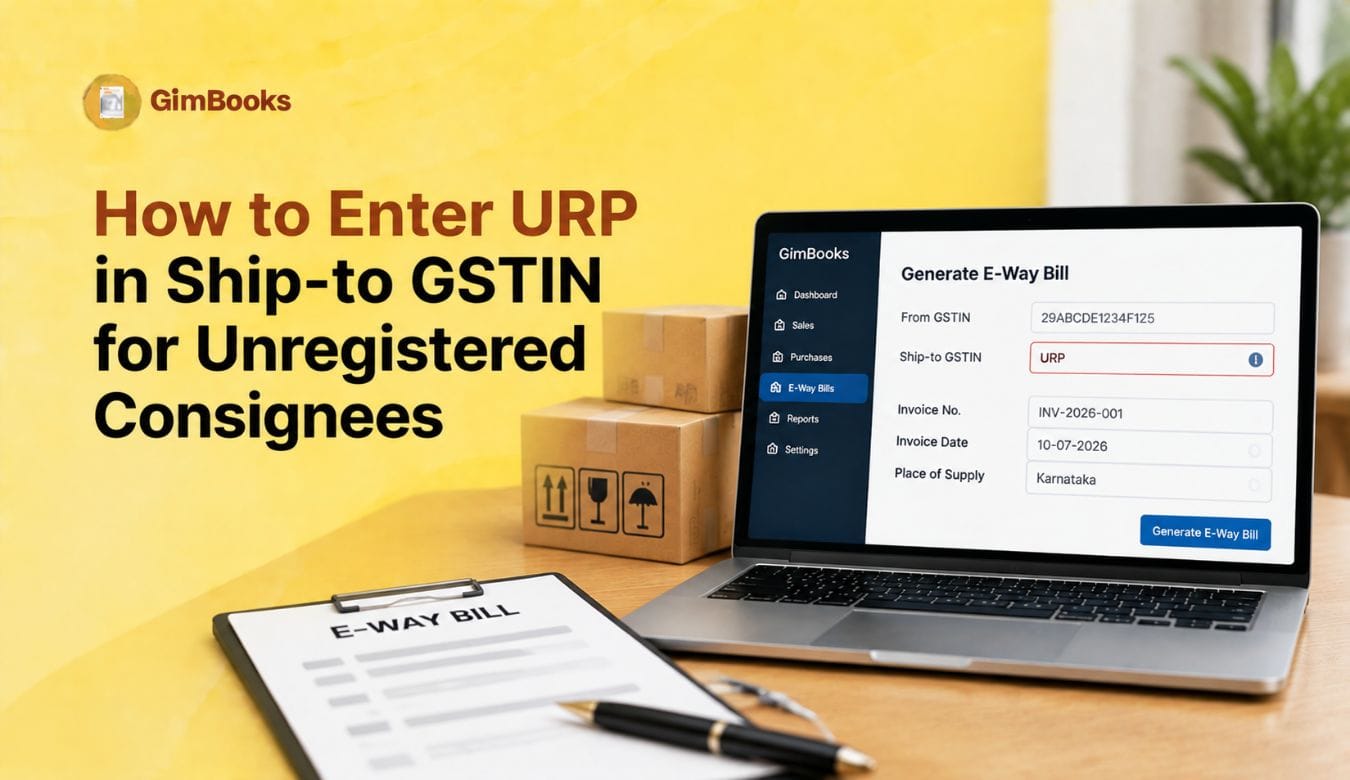
The answer is URP, which stands for Unregistered Person.
GSTN’s e-way bill advisory material clarified that where the consignee is unregistered, URP should be entered in the Ship-to GSTIN field. At the same time, businesses should note the latest implementation status: the proposed mandatory Ship-to GSTIN and voluntary e-way bill closure changes scheduled for 1 August 2026 have reportedly been put on hold until further notice. This means businesses should use this guide for readiness, process cleanup and software configuration rather than treating every portal flow as already changed.
This guide explains how to enter URP in Ship-to GSTIN for unregistered consignees, when to use it, what not to do, and how to avoid e-way bill generation errors in Bill-to/Ship-to transactions.
What Does URP Mean in E-Way Bill?
URP means Unregistered Person.
In the e-way bill system, URP is used when one of the parties involved in the movement of goods does not have a GSTIN. The official e-way bill FAQ says that if the consignor or consignee is an unregistered taxpayer and does not have GSTIN, the user has to enter URP in the corresponding GSTIN column.
In Bill-to/Ship-to transactions, URP becomes important when the actual delivery party or consignee is unregistered.
For example:
The key point is: do not leave the GSTIN field blank when the system expects a value for an unregistered person. Enter URP.
What Is a Bill-to/Ship-to Transaction?
A Bill-to/Ship-to transaction happens when the invoice is issued to one party, but the goods are delivered to another location or person.
Example:
ABC Traders sells goods to XYZ Pvt. Ltd. XYZ Pvt. Ltd. asks ABC Traders to deliver the goods directly to a project site or third-party consignee. The invoice is billed to XYZ Pvt. Ltd., but the goods are shipped to the project site or consignee.
In this case:
For a complete data-entry explanation, you can also read GimBooks’ E-Invoice Bill-to Ship-to Data Entry Checklist.
Latest 2026 Update on Ship-to GSTIN and URP
GSTN proposed changes to improve traceability in the e-way bill system. One of the proposed changes was mandatory capture of Ship-to GSTIN in Bill-to/Ship-to transactions. The advisory also clarified that where the consignee is an unregistered person, URP should be entered in the Ship-to GSTIN field.
However, as per later reports, the proposed enhancements scheduled for 1 August 2026 were put on hold until further notice after industry feedback. Businesses can continue existing processes for now, but should still prepare their billing software, master data and dispatch workflow because the government may reintroduce the changes in a revised form.
When Should You Enter URP in Ship-to GSTIN?
You should enter URP in Ship-to GSTIN when the actual consignee or delivery party is not registered under GST and does not have a GSTIN.
Common examples include:
Do not use URP when the ship-to party is actually registered and has a GSTIN. In that case, enter the correct GSTIN of the ship-to location.
URP in Ship-to GSTIN: Correct Field Mapping
The e-way bill API documentation explains that in Bill-to/Ship-to transactions, the Bill-to party details and Ship-to address details are passed separately. It also says that where an unregistered person is involved, URP should be passed in the relevant GSTIN fields.
Use this practical mapping:
This separation is important because the invoice may belong to one party, while goods physically move to another location.
Step-by-Step: How to Enter URP in Ship-to GSTIN
Follow this process when the consignee is unregistered.
Step 1: Confirm Whether It Is a Bill-to/Ship-to Transaction
First check whether the billing party and delivery party are different.
If the invoice is raised to the same party who receives the goods at the same registered address, it may not be a Bill-to/Ship-to case.
If the invoice is raised to one party and goods are delivered elsewhere, treat it as Bill-to/Ship-to.
Step 2: Check Whether the Ship-to Party Has GSTIN
Before entering URP, confirm that the delivery party is actually unregistered.
Check:
- Does the consignee have GST registration?
- Is the delivery location a registered branch?
- Has the buyer provided any ship-to GSTIN?
- Is the consignee an end customer, trust, contractor or project site without GSTIN?
Use URP only when the ship-to party does not have GSTIN.
Step 3: Enter Buyer Details in the Bill-to Section
In the Bill-to section, enter the registered buyer’s details.
This is the party to whom the tax invoice is issued.
Step 4: Enter URP in the Ship-to GSTIN Field
In the Ship-to GSTIN field, enter:
URP
Do not enter:
- NA
- N/A
- 000000000000000
- Unregistered
- URD
- Blank value
- Buyer GSTIN again, unless the buyer is the actual delivery party
Use only URP where the system expects the unregistered person value.
Step 5: Enter the Actual Delivery Address
After entering URP, enter the real delivery details.
This helps maintain traceability even when the consignee does not have GSTIN.
Step 6: Validate PIN Code and State Code
The ship-to address should still have correct PIN code and state code. URP only replaces GSTIN. It does not remove the need for valid delivery address details.
Check:
- PIN code is 6 digits.
- PIN code belongs to the selected state.
- Actual To State is correct.
- Delivery place is accurate.
- Distance is calculated from dispatch to delivery location.
For related validation issues, read GimBooks’ How to Fix E-Invoice PIN Code and State Code Validation Errors.
Step 7: Generate E-Way Bill and Save the Record
Once the buyer, ship-to and transport details are validated, generate the e-way bill and save the document.
Also keep a record of:
- Invoice number
- E-way bill number
- Bill-to GSTIN
- Ship-to value as URP
- Delivery address
- Transport details
- Vehicle number / transporter details
- Generated date and validity
Example: URP in Ship-to GSTIN
In this example, the invoice is billed to a registered buyer, but the goods are physically delivered to an unregistered project site. Therefore, the Ship-to GSTIN field should carry URP where required.
URP vs Registered Ship-to GSTIN
The biggest mistake is copying the buyer’s GSTIN into the Ship-to GSTIN field even when goods are delivered to an unregistered third party. This can create a mismatch between physical movement and e-way bill data.
Common Mistakes While Entering URP
What to Check Before Generating E-Way Bill with URP
Before generating an e-way bill where Ship-to GSTIN is URP, check:
- Is the transaction actually Bill-to/Ship-to?
- Is the Bill-to buyer GSTIN correct?
- Is the ship-to party genuinely unregistered?
- Is URP entered exactly as required?
- Is the ship-to name clear?
- Is the ship-to address complete?
- Is the PIN code valid?
- Is the Actual To State correct?
- Is the distance correct?
- Are transporter and vehicle details ready?
- Is the tax invoice or delivery challan ready?
For goods movement documentation, you can also refer to GimBooks’ Delivery Challan Format and E-Way Bill Format.
URP in E-Invoice to E-Way Bill Workflow
Many businesses generate an e-way bill from e-invoice data or through the e-way bill by IRN workflow. In such cases, the ship-to details passed during e-invoice or API generation become important.
If your billing software supports e-invoice and e-way bill integration, your team should check whether:
- Ship-to GSTIN field is available.
- URP can be selected for unregistered consignees.
- Ship-to address is captured separately from Bill-to address.
- PIN code and state code validation is active.
- API payload passes URP correctly.
- E-way bill by IRN workflow does not overwrite ship-to details.
- Dispatch team can review URP cases before generation.
With GimBooks E-Way Bill software, businesses can manage e-way bill workflows more systematically and reduce manual data-entry issues.
How to Handle URP for Unregistered Consignees in Billing Software
If your billing or ERP system is not updated, users may struggle to enter URP correctly.
Your software should allow:
Businesses using GimBooks GST billing software can keep invoice, customer and movement-related details better organised instead of relying only on manual spreadsheets.
Practical Checklist for URP in Ship-to GSTIN
Use this checklist before generating an e-way bill for an unregistered consignee:
- Confirm the transaction is Bill-to/Ship-to.
- Confirm the Bill-to buyer is correctly entered.
- Verify whether the actual consignee is registered or unregistered.
- Enter actual GSTIN if the consignee is registered.
- Enter URP if the consignee is unregistered.
- Do not leave Ship-to GSTIN blank where the field is required.
- Do not enter NA, N/A, URD or dummy GSTIN.
- Add complete ship-to name and address.
- Validate PIN code and state code.
- Check actual delivery state.
- Add transporter, vehicle and distance details.
- Save e-way bill and invoice records for reconciliation.
How GimBooks Helps with E-Way Bill and URP Workflows
Bill-to/Ship-to e-way bill entries become difficult when dispatch teams manage multiple buyers, delivery locations, transporters and unregistered consignees.
GimBooks helps businesses manage billing, e-way bill workflows, delivery documents and GST-ready records more systematically. With structured customer and address records, teams can reduce repeated manual entry and avoid mistakes such as blank Ship-to GSTIN, wrong GSTIN or incorrect delivery address.
You can use GimBooks E-Way Bills for e-way bill workflows and GimBooks GST billing software for invoice, billing and business document management.
For related e-way bill operations, read:
- How to Generate a Consolidated E-Way Bill for Multiple Consignments
- E-Way Bill Validity Extension for Vehicle Breakdown and Delivery Delays
- E-Way Bill PIN Code and Distance Validation Checklist
Conclusion
When the actual consignee in a Bill-to/Ship-to transaction is unregistered, the correct entry for Ship-to GSTIN is URP. It should be used instead of leaving the field blank or entering dummy values.
Even though the 2026 mandatory Ship-to GSTIN rollout has reportedly been put on hold for now, businesses should still prepare their billing software, e-way bill process and ship-to master data. The proposed change clearly shows the direction of GSTN’s data-quality focus: better traceability of who is billed, where goods are shipped and whether the consignee is registered or unregistered.
The safest approach is to maintain separate Bill-to and Ship-to details, use URP only for genuinely unregistered consignees, validate address and PIN code details, and keep clear records for GST and logistics reconciliation.
FAQs
What is URP in Ship-to GSTIN?
URP means Unregistered Person. It is used when the ship-to party or consignee does not have GSTIN.
When should I enter URP in Ship-to GSTIN?
Enter URP when the actual delivery party or consignee is unregistered under GST and the system requires a Ship-to GSTIN value.
Can I leave Ship-to GSTIN blank for an unregistered consignee?
Where the field is required, do not leave it blank. Enter URP for an unregistered consignee.
Should I enter buyer GSTIN in Ship-to GSTIN if the consignee is unregistered?
No. Do not copy the buyer GSTIN unless the buyer is also the actual ship-to party. If the actual consignee is unregistered, use URP.
Is URP applicable only for Bill-to/Ship-to transactions?
URP can be used wherever the e-way bill system expects GSTIN details for an unregistered party. In the 2026 Ship-to GSTIN context, it is especially important for Bill-to/Ship-to transactions involving unregistered consignees.
Is the 2026 Ship-to GSTIN mandate live?
GSTN had proposed mandatory Ship-to GSTIN capture, but later reports say the proposed 1 August 2026 rollout was put on hold until further notice. Businesses should still prepare their systems because the requirement may return in revised form.
What happens if I enter the wrong Ship-to GSTIN?
A wrong Ship-to GSTIN can create mismatch between invoice, e-way bill and actual goods movement. It may also create reconciliation and compliance issues.
How can billing software help with URP entries?
Billing software can provide separate Bill-to and Ship-to fields, allow URP selection for unregistered consignees, validate PIN and state codes, and maintain address records for repeat shipments.