
E-Way Bill Ship-to GSTIN Error: Causes and Fixes
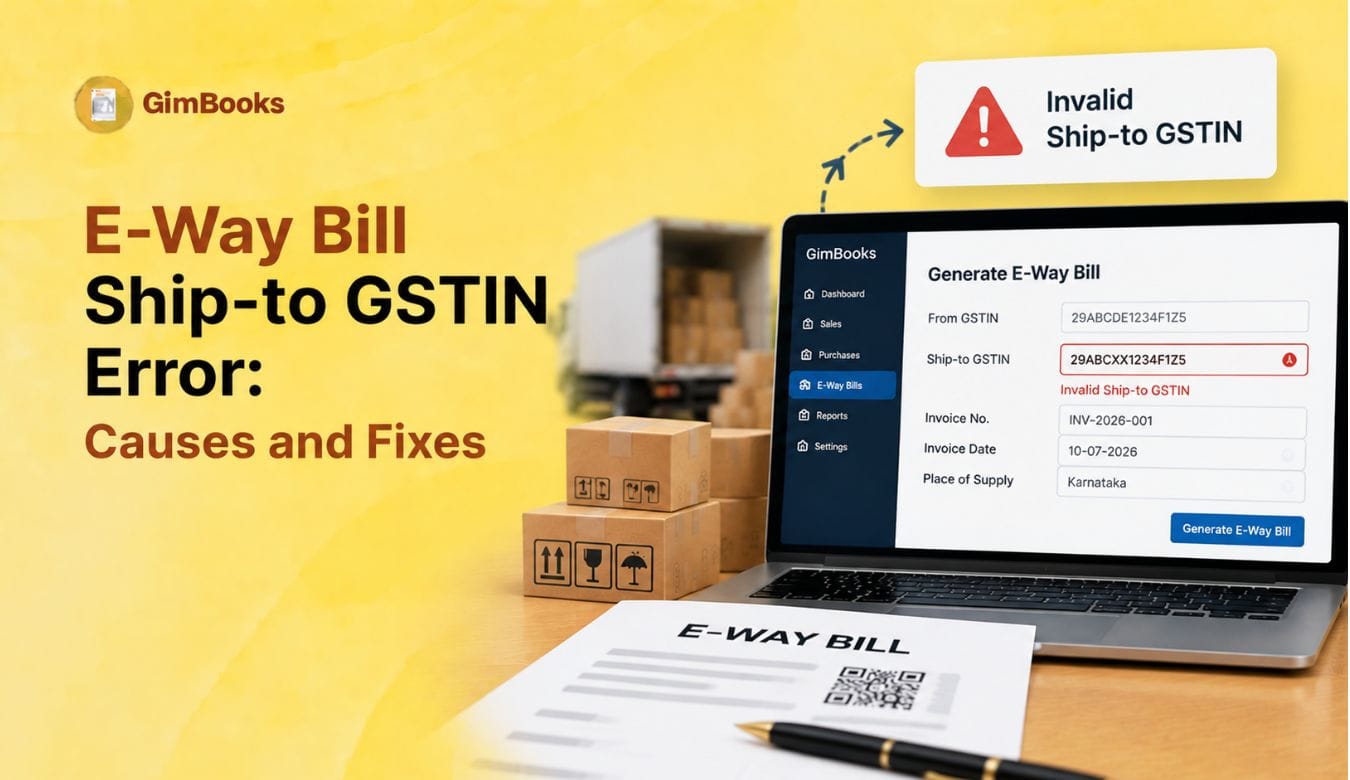
Ship-to GSTIN errors in e-way bills usually happen when the billing party and delivery party are different, but the ship-to details are entered incorrectly. These errors are common in Bill-to/Ship-to transactions where the invoice is billed to one party and the goods are delivered to another location, branch, project site, warehouse or consignee.
For traders, wholesalers, manufacturers and distributors, a wrong Ship-to GSTIN can delay e-way bill generation, create dispatch issues, affect transporter coordination and cause mismatch between invoice, e-invoice and goods movement records.
This guide explains the common causes of e-way bill Ship-to GSTIN errors, how to fix Bill-to/Ship-to GSTIN mismatch, when to use URP, and how billing software can reduce repeated EWB validation errors.
What Is a Ship-to GSTIN in E-Way Bill?
Ship-to GSTIN refers to the GSTIN of the party or location where the goods are physically delivered, wherever GSTIN capture is required in the Bill-to/Ship-to workflow.
In a normal transaction, the buyer and delivery location may be the same. But in a Bill-to/Ship-to transaction, the invoice is billed to one party and goods are shipped to another party or location.
For example:
ABC Traders sells goods to XYZ Pvt. Ltd. XYZ Pvt. Ltd. asks ABC Traders to deliver the goods directly to a project site or third-party consignee. The invoice is billed to XYZ Pvt. Ltd., but the goods are shipped to the project site.
In this case, the Bill-to party and Ship-to party are different. The e-way bill should clearly capture the correct delivery details so that the movement of goods matches the actual transaction.
For a related e-invoice workflow, read GimBooks’ E-Invoice Bill-to Ship-to Data Entry Checklist.
Latest Update on Ship-to GSTIN in E-Way Bill
GSTN had proposed enhancements to the e-way bill system around mandatory Ship-to GSTIN capture in Bill-to/Ship-to transactions and voluntary e-way bill closure. The proposed rollout was first moved to 1 August 2026, and later reports stated that these enhancements were kept on hold until further notice after industry feedback.
This means businesses should not blindly assume every portal flow has changed permanently. However, the direction is clear: GST systems are moving toward better traceability of billing party, delivery party, GSTIN, URP and actual movement details.
For businesses, the right approach is to prepare now by cleaning customer masters, ship-to addresses, URP handling and billing software workflows.
Why Ship-to GSTIN Errors Happen
Ship-to GSTIN errors happen when the e-way bill data does not properly identify who is billed and where the goods are shipped.
Common causes include:
- Buyer GSTIN copied into Ship-to GSTIN even when goods are delivered elsewhere
- Ship-to GSTIN left blank where the system expects a value
- URP not entered for an unregistered consignee
- Wrong GSTIN entered for the delivery location
- Registered branch GSTIN not updated in customer master
- Bill-to and Ship-to address fields mixed up
- E-invoice data and e-way bill data not matching
- PIN code and state code mismatch in Ship-to address
- Wrong transaction type selected
- Ship-to GSTIN entered in a transaction type where it is not required
- Bulk upload or API payload passing old customer data
A Ship-to GSTIN error is usually not just a GSTIN issue. It is often a customer master, address master, transaction type or dispatch workflow issue.
Common E-Way Bill Ship-to GSTIN Error Messages
If the issue is related to PIN code or state code, use GimBooks’ guide on E-Way Bill PIN Code and Distance Validation Checklist and How to Fix E-Invoice PIN Code and State Code Validation Errors.
Bill-to vs Ship-to: Correct Field Mapping
Understanding the difference between Bill-to and Ship-to is the first step to fixing Ship-to GSTIN errors.
A common mistake is entering the Bill-to GSTIN again in the Ship-to GSTIN field even when the goods are delivered to a different unregistered location. This can create a mismatch between invoice records and actual goods movement.
When Should You Enter Actual Ship-to GSTIN?
Enter the actual Ship-to GSTIN when the party or location receiving goods is registered under GST and has its own GSTIN.
Do not use URP when the consignee is registered and has provided a valid GSTIN.
When Should You Enter URP in Ship-to GSTIN?
URP means Unregistered Person.
Enter URP in Ship-to GSTIN when the actual delivery party or consignee is unregistered and does not have a GSTIN.
Do not enter:
- NA
- N/A
- URD
- Blank value
- 000000000000000
- Buyer GSTIN, unless buyer is also the actual Ship-to party
For a detailed guide, read GimBooks’ How to Enter URP in Ship-to GSTIN for Unregistered Consignees.
Main Causes of Bill-to Ship-to GSTIN Mismatch
Most of these errors can be prevented by maintaining separate Bill-to and Ship-to address masters.
Step 1: Confirm the Transaction Type
Before fixing the GSTIN field, confirm whether the transaction is actually a Bill-to/Ship-to case.
Ask:
- Is the invoice billed to one party?
- Are the goods delivered to another party or location?
- Is the delivery address different from the billing address?
- Is the consignee registered or unregistered?
- Is the Ship-to GSTIN different from the Bill-to GSTIN?
- Has the correct transaction type been selected?
If the billing and delivery party are the same, the issue may be in normal recipient details rather than Ship-to GSTIN.
Step 2: Check Whether the Ship-to Party Is Registered
Do not enter URP without checking whether the consignee has GSTIN.
Check:
- Has the buyer provided a separate Ship-to GSTIN?
- Is the delivery location a registered branch?
- Is the consignee an unregistered site or end customer?
- Is the delivery party a contractor or project location?
- Does the customer have multiple GSTINs across states?
If the Ship-to party is registered, enter the correct GSTIN. If the Ship-to party is unregistered, enter URP where required.
Step 3: Match Ship-to GSTIN with Delivery Address
The Ship-to GSTIN should match the actual delivery location, not just the billing party.
If the goods are going to Pune, but the Ship-to GSTIN belongs to a Delhi registration, the e-way bill data may create mismatch risk.
Step 4: Validate PIN Code and State Code
Ship-to GSTIN errors often appear with PIN code or state code validation errors. Even when GSTIN is correct, the address can still fail if the PIN or state is wrong.
Check:
- PIN code is valid
- PIN code belongs to the selected state
- State code matches GSTIN state where applicable
- Actual To State is correct
- Delivery address is complete
- Dispatch-from state is correct
For a full address validation workflow, refer to GimBooks’ How to Fix E-Invoice PIN Code and State Code Validation Errors.
Step 5: Check E-Invoice to E-Way Bill Data Flow
Many businesses generate e-way bills from e-invoice data or through the e-way bill by IRN workflow. In these cases, errors can happen when the Ship-to details in the e-invoice data do not match the e-way bill fields.
Check whether:
- Ship-to GSTIN was captured during invoice creation
- Ship-to address was added separately
- E-way bill by IRN is using correct delivery details
- Billing software is overwriting Ship-to GSTIN
- API payload is passing URP correctly
- Dispatch team can review Ship-to details before generation
For e-invoice-linked logistics workflows, read GimBooks’ E-Invoice Reporting for Export Invoices Within 30 Days if exports are involved, or GimBooks E-Way Bills for e-way bill workflows.
Step 6: Fix the Customer and Ship-to Address Master
If the same Ship-to GSTIN error appears repeatedly, the root problem is likely in the customer or address master.
Update:
Do not correct only one e-way bill if the master data is wrong. Update the master record so future e-way bills are generated correctly.
Step 7: Fix Bulk Upload and API Errors
Bulk uploads and API integrations can create Ship-to GSTIN errors even when the front-end screen looks correct.
Before bulk upload, check:
If the upload file uses old customer data, the portal may reject the e-way bill even though the invoice appears correct in the billing system.
Step 8: Check Whether Ship-to GSTIN Is Required for That Transaction
One important point: Ship-to GSTIN should be used only in the correct transaction flow. If it is passed in a transaction type where it is not required, it can create an EWB validation error.
For example, if the transaction is Bill-from/Dispatch-from and not Bill-to/Ship-to, adding Ship-to GSTIN may be incorrect.
Use this table:
This helps prevent unnecessary validation errors caused by overfilling the wrong field.
Practical Fix Table for Ship-to GSTIN Errors
How Billing Software Can Prevent Ship-to GSTIN Errors
Billing software should not leave Ship-to GSTIN entry entirely to manual typing. It should help users select the correct Bill-to and Ship-to details.
Useful controls include:
With GimBooks E-Way Bills, businesses can manage e-way bill workflows more systematically. Businesses can also use GimBooks GST billing software to keep invoice, customer and delivery data organised in one place.
Ship-to GSTIN Error Checklist Before Generating E-Way Bill
Use this checklist before generating an e-way bill in Bill-to/Ship-to cases:
- Confirm whether the transaction is Bill-to/Ship-to.
- Check whether the Ship-to party is registered.
- Enter actual Ship-to GSTIN if registered.
- Enter URP if the consignee is unregistered.
- Do not leave Ship-to GSTIN blank where required.
- Do not enter NA, URD or dummy GSTIN.
- Do not copy Bill-to GSTIN unless buyer is also the delivery party.
- Add complete Ship-to name and address.
- Validate Ship-to PIN code and state.
- Check Actual To State.
- Confirm dispatch-from address.
- Review transaction type.
- Check e-invoice-to-e-way bill mapping where applicable.
- Validate bulk upload or API fields before submission.
- Save generated e-way bill for reconciliation.
How GimBooks Helps Fix E-Way Bill Ship-to GSTIN Errors
Ship-to GSTIN errors become common when businesses manage many buyers, delivery locations, dispatch teams, warehouses and transporters manually.
GimBooks helps businesses manage GST invoices, e-way bills, delivery documents and customer records in a more organised way. With structured customer and ship-to details, teams can reduce mistakes such as blank Ship-to GSTIN, wrong GSTIN, missing URP, address mismatch and incorrect transaction type selection.
GimBooks can help teams:
- Maintain cleaner customer and address records
- Use separate Bill-to and Ship-to details
- Reduce repeated manual entry
- Track e-way bill generation status
- Manage GST-ready billing records
- Improve dispatch and finance coordination
For movement-related documents, you can also refer to GimBooks’ Delivery Challan Format and E-Way Bill Format.
Conclusion
E-way bill Ship-to GSTIN errors usually happen because the billing party, delivery party and actual goods movement are not mapped correctly. The most common causes are blank Ship-to GSTIN, wrong GSTIN, buyer GSTIN copied into Ship-to field, URP not used for unregistered consignees, wrong transaction type, address mismatch and e-invoice-to-e-way bill data mismatch.
To fix these errors, businesses should first confirm whether the transaction is Bill-to/Ship-to, check whether the consignee is registered or unregistered, enter the correct Ship-to GSTIN or URP, validate delivery address and PIN code, and update the customer or ship-to master.
The best long-term fix is to use structured billing and e-way bill software that separates Bill-to and Ship-to details, validates GSTIN/address data and helps dispatch teams avoid repeated EWB validation errors.
FAQs
What is Ship-to GSTIN in e-way bill?
Ship-to GSTIN is the GSTIN of the party or location where goods are physically delivered, wherever the Bill-to/Ship-to workflow requires it.
Why am I getting Ship-to GSTIN error in e-way bill?
You may get this error because Ship-to GSTIN is missing, invalid, copied incorrectly from the buyer GSTIN, or not aligned with the actual delivery party or transaction type.
What should I enter if the Ship-to consignee is unregistered?
Enter URP where the system requires Ship-to GSTIN for an unregistered consignee.
Can I enter buyer GSTIN as Ship-to GSTIN?
Only if the buyer is also the actual delivery party. If the goods are delivered to a different registered party, use that party’s GSTIN. If the consignee is unregistered, use URP.
What is Bill-to Ship-to GSTIN mismatch?
It means the GSTIN of the billed party and the GSTIN or delivery details of the shipped-to party are not mapped correctly in the e-way bill data.
Can wrong PIN code cause Ship-to GSTIN error?
Yes. Wrong PIN code or state code in the Ship-to address can create EWB validation errors even if the GSTIN is correct.
Is Ship-to GSTIN mandatory in e-way bill?
GSTN had proposed mandatory Ship-to GSTIN capture for Bill-to/Ship-to transactions, but later reports stated the 1 August 2026 rollout was kept on hold until further notice. Businesses should still prepare their master data and software workflows.
How can billing software prevent Ship-to GSTIN errors?
Billing software can prevent these errors by maintaining separate Bill-to and Ship-to fields, validating GSTIN and PIN codes, allowing URP for unregistered consignees, and checking transaction type before e-way bill generation.