How to Prevent Duplicate IRN Generation Attempts in Billing Software
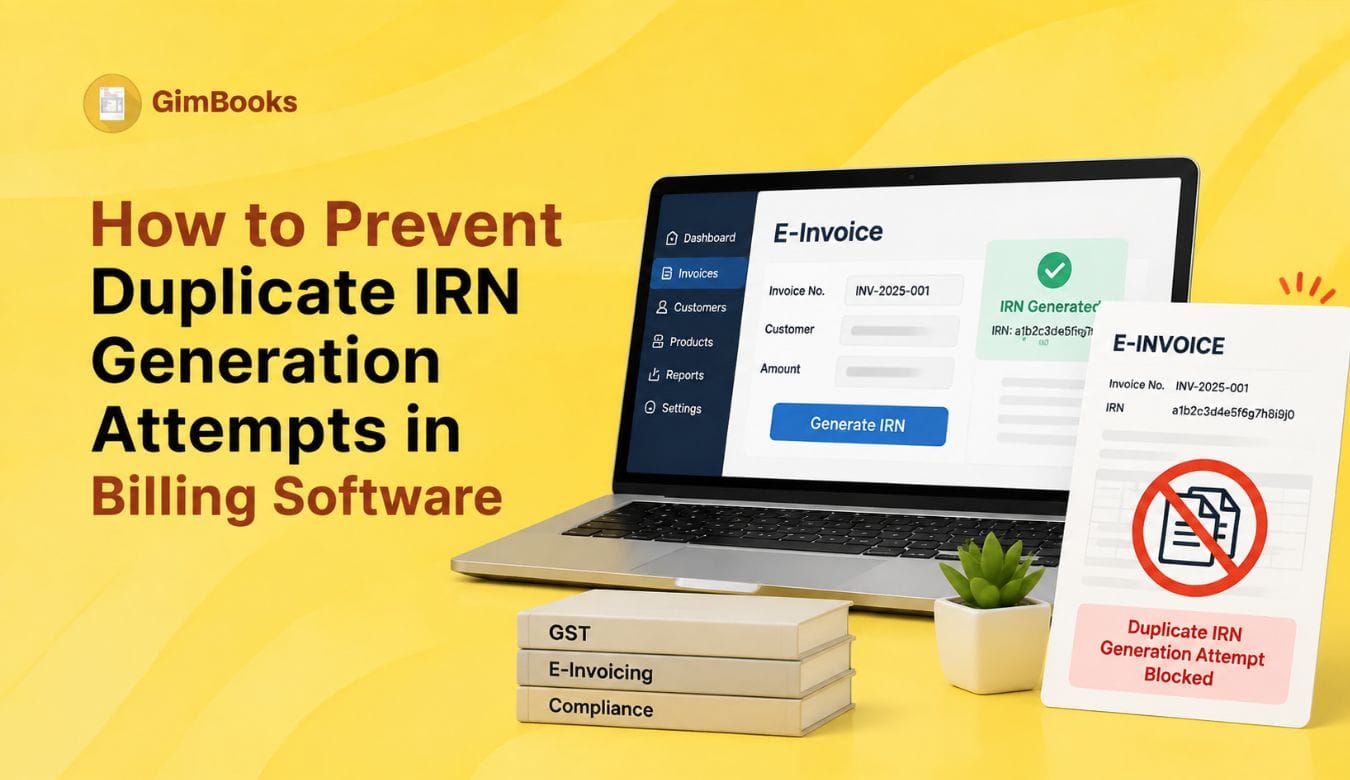
Duplicate IRN generation attempts are one of the most common e-invoicing problems for businesses using billing software, ERP systems or bulk upload workflows. The issue usually happens when the same invoice, credit note or debit note is sent to the Invoice Registration Portal more than once, or when the software does not correctly track whether IRN has already been generated.
Under the GST e-invoicing system, the Invoice Reference Number is not a random number. It is generated using a hash based on the supplier GSTIN, document type, document number and financial year. This means the same supplier cannot generate a second valid IRN for the same document combination in the same financial year.
For businesses with high invoice volumes, duplicate IRN generation attempts can create failed e-invoice requests, billing delays, reconciliation confusion and avoidable follow-ups between accounts teams, branches and customers.
This guide explains how to prevent duplicate IRN generation attempts in billing software using document number controls, IRN status checks, retry rules, invoice locking and branch-wise e-invoice reporting workflows.
What Is Duplicate IRN Generation?
Duplicate IRN generation happens when a business tries to generate an IRN for a document that has already been registered on the IRP.
The official IRP validation rules list error code 2150 as “Duplicate IRN.” The reason given is that the taxpayer is attempting to register a document again for which IRN has already been generated. The official resolution also warns users not to fire the same request simultaneously.
In simple terms, duplicate IRN generation means the system is saying:
“This invoice, credit note or debit note has already been reported. Do not send it again as a fresh IRN request.”
For businesses using billing software, this issue often appears when the invoice status is not updated properly after IRN generation or when users click “Generate IRN” multiple times because they do not see an immediate response.
Why Duplicate IRN Errors Happen in Billing Software
Duplicate IRN errors are usually not caused by one big mistake. They happen because the billing workflow does not have enough controls.
Common reasons include:
- User clicks the “Generate IRN” button multiple times.
- Billing software sends the same API request more than once.
- Internet timeout occurs, but IRN is already generated in the background.
- Invoice status is not updated after successful IRN generation.
- Same invoice is uploaded manually after it was already reported through software.
- Branch team and head office both try to generate IRN.
- Invoice is deleted and recreated with the same document number.
- Cancelled IRN document number is reused.
- Invoice number differs only by uppercase/lowercase characters.
- Bulk upload file contains duplicate invoice rows.
If these risks are not controlled, accountants may waste time checking whether the invoice failed, succeeded, was cancelled or was already reported.
Duplicate IRN Error Codes to Know
The official validation rules also show error 2278, where IRN is already generated and cancelled for the same document number. This is important because a cancelled IRN does not mean the same invoice number can simply be reused.
Latest Update: Invoice Numbers Are Case-Insensitive from 1 June 2025
One of the most important recent updates for duplicate IRN prevention is invoice number case-insensitivity.
Starting 1 June 2025, the IRP treats invoice or document numbers as case-insensitive for IRN generation. This means invoice numbers such as INV001, inv001 and Inv001 can be treated as the same document number for IRN purposes.
This is a major billing software control point. If your system allows users to create invoice numbers that differ only by uppercase or lowercase letters, it can create duplicate IRN issues.
Billing software should standardise invoice numbers before IRN generation. A good practice is to convert document numbers into one standard format, such as uppercase, before checking for duplicates.
How Billing Software Should Prevent Duplicate IRN Generation
Billing software should not allow IRN generation to depend only on user memory. The system should actively prevent repeat attempts.
A strong duplicate IRN prevention workflow should include:
These controls are especially important for businesses with high-volume B2B billing, multiple branches and frequent credit notes or debit notes.
If your business is building stronger e-invoicing workflows, GimBooks’ e-invoicing software can help manage GST invoices and e-invoice processes more systematically.
1. Lock the Invoice After IRN Is Generated
The first and most important control is invoice locking. Once an IRN is generated, billing software should not allow the same document to be pushed again as a fresh IRN request.
The invoice status should change from:
Draft → Ready for IRN → IRN Generated
After the IRN is generated, the system should allow only permitted actions such as viewing, downloading, printing, sharing or cancellation within the allowed rules. It should not show the same “Generate IRN” button again for that document.
A better button label after successful generation is:
“View IRN Details” or “Download E-Invoice”
This small UI change prevents many accidental duplicate IRN generation attempts.
2. Add a Request Lock During IRN Generation
A duplicate IRN error can happen when the user clicks the generate button multiple times or when the software fires parallel API requests.
The official IRP validation guidance for duplicate IRN specifically says not to fire the same request simultaneously.
Billing software should add a request lock as soon as the user starts IRN generation. For example:
The system should never allow users to submit the same document repeatedly while the first request is still processing.
3. Check Existing IRN Before Retrying
Sometimes the first IRN request succeeds, but the billing software does not receive or display the response because of a timeout, internet issue or API response delay.
In such cases, the software should not blindly retry. It should first check whether IRN has already been generated for that document.
A safe retry process should be:
- Check local invoice status.
- Check request log.
- Check IRN response history.
- Search or fetch IRN using document details where supported.
- Retry only if the document is confirmed as not reported.
- Save the final IRN response immediately.
This control is critical because many duplicate IRN attempts are actually retry mistakes.
For a wider error handling process, refer to GimBooks’ E-Invoice Error Codes and Fixes.

4. Do Not Reuse Cancelled IRN Document Numbers
A common misconception is that once an IRN is cancelled, the same invoice number can be reused for a new invoice. This is risky.
The official validation rules include an error where IRN has already been generated and cancelled for the same document number.
Billing software should treat a cancelled IRN document number as consumed. The software should allow the user to view the cancelled status, but it should not allow the same supplier GSTIN, document type, document number and financial year combination to be used again for a fresh e-invoice.
Zoho’s help documentation also highlights cases where users are unable to push an invoice because IRN was already generated and cancelled for the same invoice number.
5. Maintain Unique Document Number Series
Duplicate IRN prevention starts before the invoice reaches the IRP. The billing software should have a strong document number series.
The IRN is generated based on supplier GSTIN, document type, document number and financial year. This means document number control is not optional.
A good invoice numbering structure should define:
For a detailed branch and invoice series checklist, refer to GimBooks’ Duplicate IRN Prevention Checklist for Multi-Branch Businesses.
6. Prevent Duplicate Rows in Bulk Uploads
Bulk e-invoice generation is useful, but it can also create duplicate IRN attempts if the upload file contains repeated rows.
This often happens when:
- The same invoice appears twice in an Excel file.
- Multiple users export the same invoice batch.
- Old pending invoices are mixed with today’s invoices.
- Rejected invoices are re-uploaded without checking status.
- Consolidated branch files contain repeated document numbers.
Before bulk upload, the billing system should check for duplicate combinations of:
Supplier GSTIN + Document Type + Document Number + Financial Year
For businesses using month-end upload processes, GimBooks’ guide on Month-End Bulk E-Invoice Generation Without Missing the 30-Day Limit can help build better controls.
7. Create a Pending IRN and Generated IRN Report
Finance teams should not depend only on portal messages. They need a report that clearly separates pending, generated, rejected and cancelled documents.
A useful IRN control report should include:
This report should be reviewed daily, especially by ₹10 crore+ businesses covered by the 30-day e-invoice reporting restriction. From 1 April 2025, taxpayers with AATO of ₹10 crore and above must report e-invoices within 30 days from the invoice date, and this applies to invoices, credit notes and debit notes where IRN generation is required.
For date-based controls, read GimBooks’ E-Invoice Cut-Off Control Sheet for ₹10 Crore+ Businesses.
8. Handle Credit Notes and Debit Notes Separately
Duplicate IRN generation attempts are not limited to invoices. They can also happen with credit notes and debit notes.
Billing software should maintain separate document series and IRN status for:
- Tax invoices
- Credit notes
- Debit notes
- Export invoices
- Branch transfer invoices, where applicable
- Bill-to ship-to invoices, where applicable
Each document type should have its own number control. A credit note should not accidentally reuse an invoice series if the billing system expects separate document-type handling.
For bill-to ship-to data checks, use GimBooks’ E-Invoice Bill-to Ship-to Data Entry Checklist.
9. Use Role-Based Access for IRN Actions
Duplicate attempts also happen when too many users can generate, cancel or retry IRNs without clear ownership.
A good billing software workflow should define:
Only authorised users should be allowed to retry failed IRN generation. Cancellation and regeneration should require stricter permission because these actions can affect GST reporting, customer communication and reconciliation.
10. Keep an Audit Trail of Every IRN Attempt
A strong audit trail helps finance teams understand what happened when a duplicate IRN error appears.
The audit trail should record:
- User who clicked generate
- Date and time of request
- Payload or document reference
- IRP response
- Error code
- Attempt count
- IRN status before request
- IRN status after response
- Retry reason
- Cancellation status, if any
Without this log, the accounts team may not know whether the invoice was actually reported, rejected, cancelled or retried accidentally.
A proper audit trail also helps during month-end reconciliation and customer disputes.
11. Validate Mandatory Fields Before IRN Request
A duplicate IRN attempt may begin as a validation error. The user tries once, sees an error, makes changes, tries again, and later finds that one attempt had already succeeded or was partially processed.
Before IRN generation, billing software should validate:
- Supplier GSTIN
- Buyer GSTIN
- Invoice number
- Document type
- Invoice date
- HSN/SAC
- Taxable value
- GST rate
- CGST, SGST or IGST
- Place of supply
- Total invoice value
- Reverse charge status, where applicable
- Ship-to details, where applicable
For a field-level review, use GimBooks’ GST Invoice Mandatory Fields Audit Checklist.
12. Set Up Alerts for Repeated IRN Attempts
Billing software should flag unusual behaviour before it creates a compliance mess.
Useful alerts include:
These alerts help accountants act before a user accidentally creates another failed request.
How GimBooks Helps Prevent Duplicate IRN Attempts
Manual tracking becomes difficult when invoice volume increases. Businesses need billing software that can manage invoice creation, document numbers, GST fields, customer records and e-invoice reporting in one workflow.
With GimBooks e-invoicing software, businesses can manage GST invoices and e-invoice workflows more systematically. GimBooks helps teams reduce manual tracking, organise billing records and maintain better visibility over invoice status.
Businesses can also use GimBooks GST billing software to manage invoicing, inventory, customer records, payment tracking and GST reports in one place.
For ₹10 crore+ businesses, software-level controls are especially important because IRN generation must also be managed within the 30-day reporting window.
Practical Checklist to Prevent Duplicate IRN Generation Attempts
Use this checklist for your billing software and accounts team:
- Lock invoices after successful IRN generation.
- Disable the Generate IRN button while request is in progress.
- Check existing IRN status before retrying.
- Do not fire simultaneous IRN requests.
- Standardise invoice numbers as case-insensitive.
- Do not reuse cancelled IRN document numbers.
- Keep separate series for invoices, credit notes and debit notes.
- Use branch-wise invoice number controls.
- Detect duplicate rows before bulk upload.
- Maintain pending, generated, rejected and cancelled IRN reports.
- Track attempt count and last attempt time.
- Restrict retry and cancellation permissions.
- Keep audit logs for every IRN request.
- Validate mandatory GST invoice fields before submission.
- Review duplicate IRN errors daily.
Conclusion
Duplicate IRN generation attempts are usually a process and software-control issue, not just a portal error. They happen when invoices are retried blindly, document numbers are reused, cancelled IRN numbers are recreated, simultaneous requests are fired or IRN status is not updated correctly in billing software.
To prevent duplicate IRN generation attempts in billing software, businesses should lock reported invoices, standardise document numbers, prevent simultaneous requests, check existing IRN status before retrying, block reused cancelled document numbers and maintain strong audit logs.
For businesses handling frequent B2B billing, e-invoicing should not depend on manual reminders or repeated portal attempts. A structured billing software workflow gives finance teams better control over IRN generation, reporting status and GST compliance.
FAQs
What is duplicate IRN generation?
Duplicate IRN generation happens when a business tries to generate an IRN for an invoice, credit note or debit note that has already been reported to the IRP.
What is duplicate IRN error code 2150?
Error code 2150 refers to Duplicate IRN. It occurs when a taxpayer attempts to register a document again for which IRN has already been generated.
Can I generate IRN again for the same invoice number?
No. Since IRN is based on supplier GSTIN, document type, document number and financial year, the same document combination cannot be used to generate another fresh IRN.
Can a cancelled IRN invoice number be reused?
A cancelled IRN document number should not be reused. Official validation rules include an error where IRN is already generated and cancelled for the same document number.
Why does billing software show duplicate IRN even when I clicked only once?
This can happen if the first request succeeded but the software did not receive or display the response due to timeout or sync delay. The software should check existing IRN status before retrying.
How can businesses prevent duplicate IRN generation attempts?
Businesses can prevent duplicate IRN attempts by locking invoices after IRN generation, preventing simultaneous API requests, checking existing IRN status before retrying, standardising invoice numbers and keeping audit logs.
Are invoice numbers case-sensitive for IRN generation?
From 1 June 2025, the IRP treats invoice/document numbers as case-insensitive for IRN generation. This means businesses should standardise invoice number formats in billing software.