
E-Invoice Cut-Off Control Sheet for ₹10 Crore+ Businesses
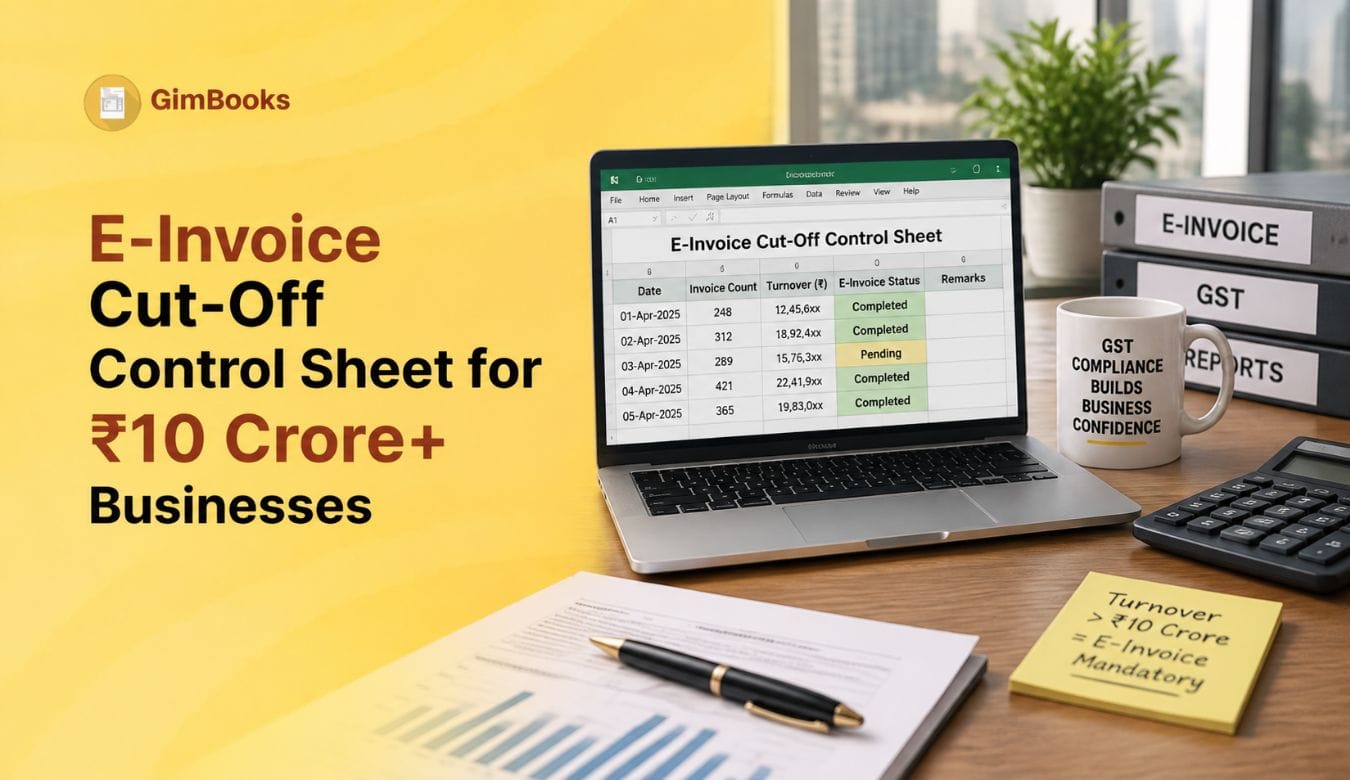
For businesses with Aggregate Annual Turnover of ₹10 crore and above, e-invoice reporting is now a time-sensitive control. It is not enough to create GST invoices and check them later during return filing. The invoice, credit note or debit note must be reported to the Invoice Registration Portal within the allowed 30-day window.
From 1 April 2025, taxpayers with AATO of ₹10 crore and above must report applicable e-invoices within 30 days from the invoice date. This rule applies to invoices, credit notes and debit notes where IRN generation is required. If the document is reported beyond the allowed time window, the IRP can restrict IRN generation.
That is why finance teams need a proper e-invoice cut-off control sheet. This sheet helps track invoice dates, IRN status, reporting deadlines, rejected documents, owner responsibility and escalation before the 30-day window is missed.
This guide explains how ₹10 crore+ businesses can create and use an e-invoice cut-off control sheet to manage daily IRN reporting and avoid last-minute compliance issues.
What Is an E-Invoice Cut-Off Control Sheet?
An e-invoice cut-off control sheet is a tracking sheet used to monitor all documents that require IRN generation. It helps the accounts team identify which invoices, credit notes and debit notes are still pending before they cross the 30-day reporting window.
The sheet works like a daily compliance dashboard. It shows the document date, document type, IRN status, cut-off date, ageing bucket, error reason, owner and escalation status.
The purpose is simple: no invoice should remain hidden in a spreadsheet, branch register or approval queue until it becomes too old for IRN generation.
For a broader rule-based checklist, you can also refer to GimBooks’ E-Invoice 30-Day Reporting Rule Checklist.
Why ₹10 Crore+ Businesses Need a Cut-Off Control Sheet
The 30-day reporting rule specifically affects businesses with AATO of ₹10 crore and above. While e-invoicing is applicable more broadly to eligible taxpayers above the notified threshold, the 30-day reporting restriction is a tighter control for the ₹10 crore+ category.
A cut-off control sheet is important because many businesses do not generate IRNs immediately. They may first create invoices, wait for approval, confirm dispatch, correct tax details or upload documents in bulk later.
This creates risk for manufacturers with multiple plants, distributors handling daily B2B invoices, businesses using branch-wise GSTINs, companies generating invoices in bulk at month-end, service businesses with invoice approval workflows and finance teams handling credit notes and debit notes after reconciliation.
Without a control sheet, the accounts team may only discover pending IRNs during GSTR-1 reconciliation, when the document is already close to or beyond the cut-off.
30-Day E-Invoice Cut-Off Rule Summary
This summary should be kept visible for the accounts team because the cut-off date depends on the document date, not the GST return filing date.
E-Invoice Cut-Off Control Sheet Format
A practical e-invoice cut-off control sheet should include the following columns:
This format makes the control sheet useful for accountants, branch teams and finance heads.
With GimBooks e-invoicing software, businesses can manage GST invoices and e-invoice workflows in a more structured way instead of relying only on manual spreadsheets.
How to Calculate the E-Invoice Cut-Off Date
The cut-off date should be calculated from the document date. If the invoice date is 1 April 2025, the reporting should happen on or before 30 April 2025.
For a control sheet, businesses can use this logic:
If your team uses Excel or Google Sheets, the cut-off date can be calculated as:
Cut-Off Date = Document Date + 29 days
This keeps the calculation aligned with the 30-day window because the invoice date itself is counted as the first day of the reporting period.
Invoice Ageing Buckets for 10 Crore E-Invoice Tracking
Invoice ageing is one of the most important parts of the e-invoice cut-off control sheet. It helps the finance team prioritise documents before they reach the urgent stage.
The control sheet should automatically mark the risk bucket based on invoice age. This helps the finance team act before a document reaches the urgent zone.

Daily E-Invoice Cut-Off Control Workflow
A cut-off control sheet is useful only when it is reviewed regularly. ₹10 crore+ businesses should not wait until month-end to check pending IRNs.
A practical daily workflow should look like this:
- Export or review all invoices, credit notes and debit notes created during the day.
- Check which documents require IRN generation.
- Validate GSTIN, HSN/SAC, tax rate, place of supply and invoice number.
- Generate IRN on the same day wherever possible.
- Update the IRN status in the control sheet.
- Mark rejected documents with error reason.
- Assign rejected documents to the responsible owner.
- Escalate invoices older than 20 days.
- Review urgent documents daily until closed.
This process makes e-invoice reporting a daily control instead of a month-end activity.
Common Reasons Documents Cross the E-Invoice Cut-Off
Many businesses miss the e-invoice due date because the control process is weak. The issue is usually not one big error, but many small delays.
For common IRP rejection issues, use the GimBooks guide on E-Invoice Error Codes and Fixes.
Controls to Include in the Cut-Off Sheet
The e-invoice cut-off control sheet should not only track dates. It should also force action.
If your business handles multiple GSTINs or locations, use this sheet branch-wise. For invoice number discipline, also refer to GimBooks’ Duplicate IRN Prevention Checklist for Multi-Branch Businesses.
How to Handle Rejected E-Invoices in the Control Sheet
Rejected e-invoices should not be left pending. They should be treated as active compliance issues.
Your sheet should separate rejections into categories:
For field-level invoice checks, internally link to the GimBooks GST Invoice Mandatory Fields Audit Checklist.
Cut-Off Control for Credit Notes and Debit Notes
Many businesses track invoices but forget credit notes and debit notes. This is risky because the 30-day rule applies to invoices, credit notes and debit notes where IRN generation is required.
Your control sheet should have a separate filter for:
- Sales invoices pending IRN
- Credit notes pending IRN
- Debit notes pending IRN
- Rejected credit notes
- Rejected debit notes
- Notes older than 20 days
- Notes close to cut-off
This is important because credit notes and debit notes are often created after sales reconciliation, rate changes, returns or customer disputes. If they are not tracked daily, they may be discovered too late.
Branch-Wise E-Invoice Cut-Off Tracking
For multi-branch businesses, one central sheet is not enough. The business should maintain branch-wise responsibility.
Each branch should review documents created today, documents pending IRN, rejected documents, documents older than 15 days, credit notes and debit notes pending IRN, customer GSTIN errors, place-of-supply errors and invoice series issues.
The head office can then maintain a consolidated dashboard for finance leadership.
For bill-to ship-to transactions, use the GimBooks E-Invoice Bill-to Ship-to Data Entry Checklist to reduce dispatch and place-of-supply errors.
Cut-Off Review Before GSTR-1 Filing
The e-invoice cut-off control sheet should be reviewed before GSTR-1 filing, but that should not be the first review.
Before filing GSTR-1, compare:
For safer month-end processes, internally link to Month-End Bulk E-Invoice Generation Without Missing the 30-Day Limit.
How GimBooks Helps with E-Invoice Cut-Off Control
Manual control sheets work for basic tracking, but they become difficult when invoice volume increases. Businesses with ₹10 crore+ turnover often need better visibility across invoices, customers, branches, GST reports and e-invoicing workflows.
GimBooks helps businesses create GST invoices, manage customer records, track billing data and support e-invoice workflows in a more organised way. This reduces dependency on scattered spreadsheets and gives accounts teams a cleaner way to manage invoice status, pending actions and reporting checks.
Businesses can use GimBooks GST billing software to manage billing, GST invoices, inventory, payment tracking and reporting from one platform.
Practical E-Invoice Cut-Off Control Checklist
Use this checklist for daily review:
- Check all invoices created today.
- Check all credit notes and debit notes created today.
- Verify whether IRN is required.
- Generate IRN on the same day wherever possible.
- Update IRN status in the control sheet.
- Review documents older than 15 days.
- Escalate documents older than 20 days.
- Fix rejected documents immediately.
- Review branch-wise pending IRNs.
- Check customer GSTIN and place of supply before upload.
- Reconcile IRN report with sales register.
- Review all pending items before GSTR-1 filing.
Download the free E-Invoice Cut-Off Control Sheet PDF by GimBooks to track IRN status, monitor 30-day deadlines, and manage pending invoices.
Conclusion
For ₹10 crore+ businesses, the 30-day e-invoice reporting window makes invoice cut-off control essential. A business cannot depend only on month-end uploads, manual reminders or return-filing checks.
An e-invoice cut-off control sheet helps finance teams track document dates, cut-off dates, IRN status, rejection reasons and owner responsibility before the reporting window closes.
The best approach is to generate IRN as early as possible, monitor pending documents daily, include credit notes and debit notes in the same workflow, and use GST billing software to reduce manual tracking gaps.
For businesses handling high invoice volumes, the goal is simple: every applicable document should be visible, validated and reported before the cut-off date.
FAQs
What is an e-invoice cut-off control sheet?
An e-invoice cut-off control sheet is a tracking sheet used to monitor invoices, credit notes and debit notes that require IRN generation. It helps businesses track document date, cut-off date, IRN status, errors, owner and escalation status.
Who needs an e-invoice cut-off control sheet?
Businesses with AATO of ₹10 crore and above should maintain a cut-off control sheet because they must report applicable e-invoices within 30 days from the invoice date.
What should be included in an e-invoice control sheet?
The sheet should include branch, GSTIN, document type, document number, document date, customer GSTIN, taxable value, IRN status, cut-off date, invoice age, risk bucket, error reason, owner and final action.
How is the e-invoice cut-off date calculated?
If the invoice date is 1 April 2025, the reporting should be completed by 30 April 2025. For a control sheet, the practical cut-off date can be calculated as document date plus 29 days.
Does the 30-day rule apply to credit notes and debit notes?
Yes. The restriction applies to invoices, credit notes and debit notes where IRN generation is required.
How can GimBooks help with e-invoice cut-off control?
GimBooks helps businesses create GST invoices, manage billing records, organise customer data and handle e-invoicing workflows more systematically, reducing dependency on manual tracking and scattered spreadsheets.