
How to Manage Batch Wise Inventory for Expiry Based Products
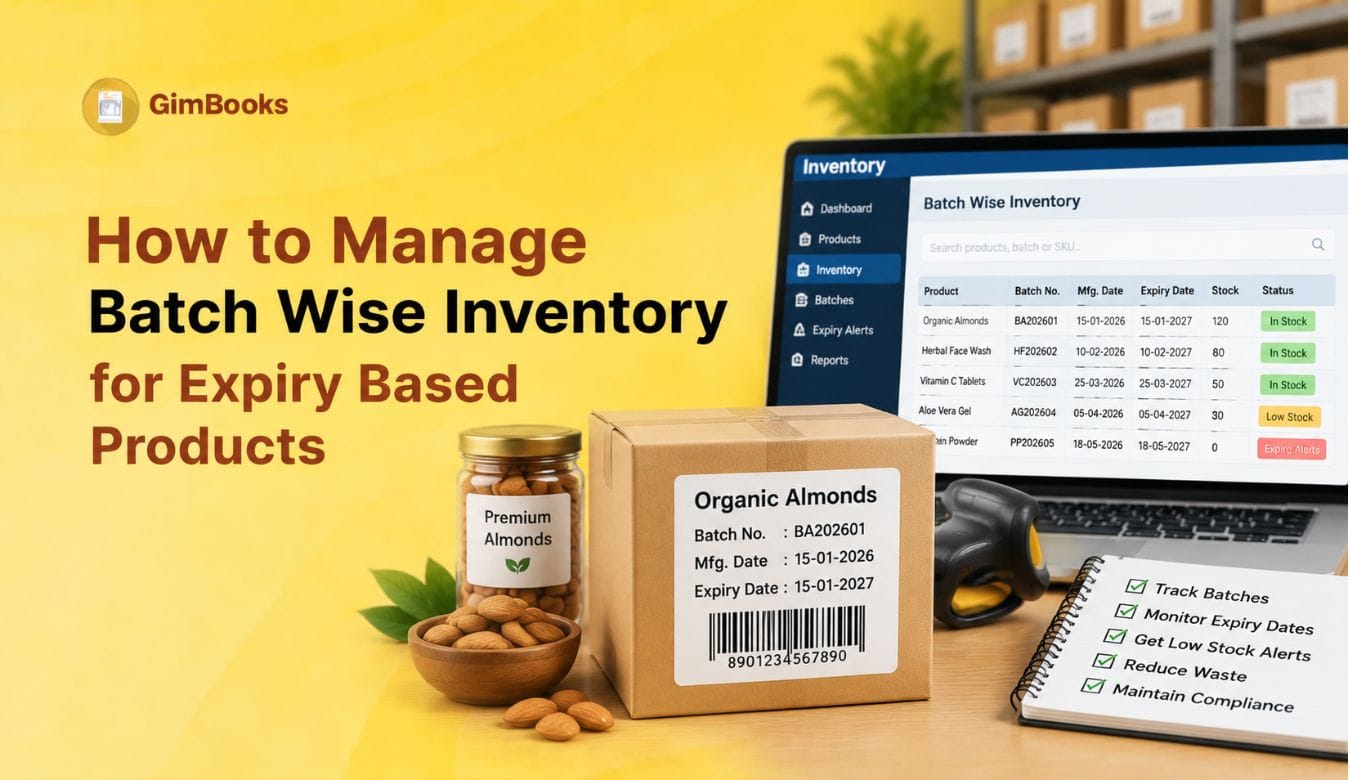
Managing inventory becomes challenging when products have different manufacturing dates, expiry dates, and shelf lives. A business may have hundreds of units of the same product, but each batch can have a different expiry timeline. Without proper tracking, businesses risk selling expired products, losing money on dead stock, or failing to identify which items need immediate attention.
A proper batch wise inventory management system helps retailers, wholesalers, distributors, pharma businesses, and FMCG sellers track every product batch from purchase to sale. It records batch numbers, manufacturing dates, expiry dates, available quantities, and stock movement.
For businesses dealing with medicines, food products, cosmetics, beverages, or other expiry-based goods, accurate expiry stock management is essential for reducing wastage and maintaining customer trust. Modern billing and inventory systems help automate this process by connecting stock tracking with purchases, sales invoices, reports, and alerts.
Key Takeaways
- Batch-wise inventory tracks products based on unique batch numbers instead of only product names.
- Manufacturing dates and expiry dates help businesses identify ageing stock.
- FEFO (First Expiry, First Out) is generally more suitable than FIFO for expiry-based products.
- Near-expiry alerts help businesses take action before stock becomes a loss.
- Inventory software can connect batch tracking with billing, stock reports, and GST workflows.
What Is Batch Wise Inventory Management?
Batch wise inventory means maintaining separate stock records for every batch or lot of a product. Instead of showing only “100 units of Product X,” the system records details such as:
For example, a pharmacy may receive the same medicine from a supplier three times during the year. Each purchase may have a different batch number and expiry date. A batch tracking system allows the pharmacy owner to know which batch should be sold first and which products are approaching expiry.
Businesses can maintain these details while adding products and managing stock through inventory software. GimBooks supports product-level stock management with options such as batch-wise inventory and low stock alerts during product setup. adding products with inventory details in GimBooks
How to Track Batch Numbers and Expiry Dates in Inventory
Effective batch and expiry management begins when products are received and continues until they are sold, returned or removed from inventory.
Step 1: Record Batch Details During Purchase
When stock arrives, record the product name, batch number, manufacturing date where applicable, expiry date, purchase quantity and supplier details.
Different batches of the same product should have separate records, even when their selling prices are identical.
Step 2: Maintain Batch-Wise Stock Quantities
Track opening stock, purchases, sales, returns and adjustments for each batch.
For example, if Batch A contains 100 units and 25 units are sold, its available quantity should reduce to 75 units without affecting Batch B.
Step 3: Select the Correct Batch During Billing
Employees should select the batch actually being dispatched. This ensures that inventory records reflect physical stock movement.
For businesses managing large product catalogues, accurate product-master setup is important. Refer to GimBooks' guide to adding products in billing software for product setup information.
Step 4: Monitor Expiry Dates
Review batches approaching their expiry dates and identify products requiring permitted sales, transfers, supplier returns or other action.
Step 5: Reconcile Physical and Recorded Stock
Compare batch-wise reports with physical quantities regularly. Investigate incorrect batch selection, missing returns, damaged goods and unrecorded adjustments.
Following this process helps businesses maintain accurate batch tracking inventory rather than relying only on total product quantities.
Why Expiry Based Businesses Need Batch Tracking
Expiry-based businesses face unique inventory challenges:
1. Prevent Expired Stock Losses
Without batch tracking, expired products can remain unnoticed in warehouses or shelves. This is common in industries where products have short shelf lives, such as:
- Pharmaceuticals
- Food and beverages
- Cosmetics
- Nutritional supplements
- FMCG products
Tracking expiry dates allows businesses to identify products that require faster movement, supplier returns, discounts, or promotional clearance.
2. Improve Stock Rotation
Proper stock rotation ensures older or earlier-expiry batches are sold before newer inventory arrives.
For example:
A distributor receives:
- Batch A: Expires March 2027
- Batch B: Expires November 2026
Even if Batch A arrived first, Batch B should be prioritised because it has an earlier expiry date.
This is where FEFO inventory management becomes important.
FEFO vs FIFO: Which Inventory Method Works Better?
Businesses often confuse FIFO and FEFO methods. Both help maintain stock movement discipline, but they work differently.
For expiry-based products, FEFO is usually more practical because the priority is reducing expiry risk rather than only selling older purchases.
A pharma distributor may have a recently purchased batch that expires sooner than an older batch. FEFO ensures the shorter shelf-life product moves first.
How Does FEFO Work in Batch-Wise Inventory Management?
In FEFO inventory management, products with the earliest expiry dates are prioritised for sale or dispatch, even if they were purchased later.
For example, a medical store receives two batches of the same medicine:
Although MED-101 arrived first, MED-102 should normally be selected first because it expires earlier.
This helps pharmacies, FMCG distributors and supplement sellers reduce the risk of leaving older-expiring stock unsold.
However, FEFO should apply only to batches eligible for sale. Expired, recalled or quarantined products must be excluded from normal stock selection.
Businesses should verify that their batch-wise inventory software supports accurate batch selection during billing and updates the quantity of the batch actually sold.
How to Manage Batch Wise Inventory for Expiry Based Products
1. Assign a Unique Batch Number to Every Product Lot
Every incoming stock batch should have:
- Product name
- Batch number
- Supplier details
- Purchase date
- Manufacturing date
- Expiry date
- Quantity received
- Purchase price
This creates complete visibility from supplier purchase to customer sale.
2. Record Manufacturing and Expiry Dates During Stock Entry
Incorrect expiry information can create major inventory problems.
During purchase entry, businesses should verify:
- Batch number printed on the product
- Manufacturing date
- Expiry date
- Available quantity
- MRP and purchase price
For pharma inventory billing, accurate batch information is especially important because medicines with different expiry dates should not be mixed together.
3. Use Near Expiry Stock Reports
A near-expiry stock report helps businesses identify products that may expire before they are sold.
Instead of checking expiry dates manually, businesses can maintain a report showing the product name, batch number, available quantity, expiry date and stock value.
Illustrative inventory data.
Set Expiry Alerts Based on Product Shelf Life
Businesses can configure internal alert periods such as:
- 90 days before expiry: Review stock levels and sales movement.
- 60 days before expiry: Identify slow-moving batches and supplier-return options.
- 30 days before expiry: Prioritise urgent permitted action.
- After expiry: Block sales and segregate the affected stock.
These are suggested monitoring periods, not universal legal requirements.
Calculate Near-Expiry Stock Value
Use the formula:
Near-Expiry Stock Value = Available Batch Quantity × Unit Purchase Cost
For example, if 50 units remain in a batch and each unit costs ₹200, the stock value at risk is ₹10,000.
Tracking both quantity and value helps businesses prioritise expensive batches and improve expiry date inventory management.
Managing Expired and Near-Expiry Stock
A strong expiry stock management process should include:
Identify
Review batch reports regularly to find products nearing expiry.
Take Action
Depending on business policies, owners can:
- Move products faster through sales campaigns
- Return eligible stock to suppliers
- Separate damaged or expired products
- Adjust purchasing decisions
Prevent Repeat Issues
Analyse why stock expired:
- Overstocking
- Incorrect demand forecasting
- Slow product movement
- Poor stock rotation
How to Manage Expired Stock, Batch Returns and Product Recalls
Expired inventory should not remain mixed with products available for normal sale.
Businesses dealing with medicines, packaged food, cosmetics and supplements should maintain clear batch statuses to prevent unsuitable stock from being dispatched.
Separate Saleable and Non-Saleable Batches
Maintain statuses such as:
Track Supplier Returns by Batch Number
When returning near-expiry, damaged or otherwise eligible stock to a supplier, record the batch number, returned quantity and supporting documentation.
The returned quantity should be deducted from the correct batch.
Maintain Batch Traceability During Product Recalls
If a manufacturer recalls a particular batch, businesses should be able to identify how much stock remains and which sales invoices included that batch.
For example, if Batch MED-205 is recalled, the inventory records should help the business identify:
- Total quantity purchased
- Remaining stock
- Quantity already sold
- Customers or locations supplied
- Returned or recovered quantity
This makes batch tracking inventory valuable for product traceability as well as expiry management.
Returned products should not automatically be added back to saleable inventory without the appropriate checks.
How Billing Software Helps With Batch Wise Inventory
Manual registers and spreadsheets become difficult when businesses manage hundreds of products. Inventory connected with billing helps maintain accuracy because every sale automatically updates stock.
A complete workflow looks like this:
For distributors and wholesalers, combining billing with inventory management helps manage bulk orders, stock levels, batch numbers, expiry dates, and business reports from one system. GimBooks Distributor Billing Software
Batch-Wise Inventory Excel Format for Expiry-Based Products
Small businesses can start with a batch-wise inventory Excel sheet to record stock quantities and expiry dates.
A basic sheet should contain:
Formula for Available Batch Stock
If opening stock is in E2, purchases in F2, sales in G2, supplier returns in H2 and write-offs in I2, use:
=E2+F2-G2-H2-I2
Formula for Days Until Expiry
If the expiry date is in D2, use:
=D2-TODAY()
This helps identify batches approaching expiry.
While spreadsheets can work for smaller inventories, they require careful manual updates. Businesses handling frequent transactions or multiple batches may benefit from batch-wise inventory software that connects purchase records, billing and stock movements.
For related inventory setup guidance, read How to Add Products in GimBooks Billing Software.
Features to Look for in Batch-Wise Inventory Software
Businesses handling expiry-based products should select inventory software that can track individual batches instead of maintaining only total stock quantities.
Important features include:
- Batch number tracking: Maintain separate records for different product lots.
- Manufacturing and expiry dates: Record important product shelf-life information.
- Batch selection during billing: Deduct stock from the batch actually sold.
- Near-expiry reports: Identify batches approaching their expiry dates.
- FEFO inventory management: Support earlier-expiring eligible stock being dispatched first.
- Batch-wise stock reports: View available quantities and stock movement.
- Purchase and sales returns: Record returns against the correct batches.
- GST billing integration: Connect sales invoices with inventory updates.
- Stock adjustment records: Track damaged, expired and written-off quantities.
- Batch traceability: Identify affected stock during quality complaints or recalls.
For medical retailers, the selection process should also consider pharmacy-specific billing and inventory requirements. Read GimBooks' guide to GST invoice software for medical stores for related considerations.
Before choosing a solution, confirm which expiry alerts, batch-blocking and FEFO features are actually supported by the software.
Best Practices for FMCG Batch Tracking and Pharma Inventory Billing
Follow these practices to improve accuracy:
Maintain Standard Batch Naming
Use consistent batch formats so employees can identify products quickly.
Train Staff on Batch Selection
During billing, staff should select the correct batch instead of manually reducing random stock quantities.
Review Expiry Reports Weekly
Regular monitoring prevents last-minute losses.
Avoid Overstocking Slow-Moving Products
Purchase decisions should consider previous sales patterns and current stock levels.
Use Low Stock Alerts
Low stock notifications help businesses reorder fast-moving products while avoiding unnecessary excess inventory.
Common Mistakes in Expiry Stock Management
Tracking Only Product Quantity
Knowing “500 units available” is not enough when products have different expiry dates.
Ignoring Near Expiry Products
Businesses often notice expiry issues only after products become unsellable.
Mixing Multiple Batches Together
Combining batches removes visibility and increases the chances of incorrect sales.
Using Manual Records Without Regular Updates
Delayed updates create differences between actual warehouse stock and system records.
FAQs
1. What is batch wise inventory management?
Batch wise inventory management is a method of tracking stock separately based on batch numbers, manufacturing dates, expiry dates, and quantities. It helps businesses monitor product movement and expiry timelines accurately.
2. Why is batch tracking important for pharma and FMCG businesses?
Batch tracking helps pharma and FMCG businesses identify product expiry dates, manage stock rotation, reduce wastage, and maintain accurate sales and purchase records.
3. Should expiry-based businesses use FIFO or FEFO?
Businesses dealing with expiry products should generally follow FEFO because products with the earliest expiry date are sold first, reducing the risk of expired inventory.
4. How can businesses manage expired stock?
Businesses should identify expired batches through stock reports, separate them from active inventory, follow return or disposal processes, and review purchasing patterns to prevent future losses.
5. Can inventory software track batch numbers and expiry dates?
Yes, inventory software can help businesses record batch details, monitor expiry dates, generate stock reports, and connect inventory updates with billing processes. GimBooks Medical Billing Software
6. How does batch tracking help with GST billing?
Batch tracking improves inventory accuracy while GST billing software helps businesses create invoices, maintain sales records, and manage tax-related reporting workflows.
7. Which businesses need batch wise inventory management?
Pharmacies, medical distributors, FMCG wholesalers, grocery businesses, food manufacturers, cosmetics sellers, and healthcare product retailers benefit from batch-wise inventory management.
Manage Expiry-Based Inventory More Efficiently with Batch Tracking
Managing expiry-based inventory requires more than counting available stock. Businesses need visibility into every batch, expiry date, and stock movement. With proper batch tracking, FEFO-based rotation, expiry reports, and connected billing workflows, retailers and distributors can reduce wastage and improve inventory control. GimBooks helps businesses manage billing, inventory tracking, stock reports, and batch-related workflows in a more organised way.