
How to Fix E-Invoice PIN Code and State Code Validation Errors
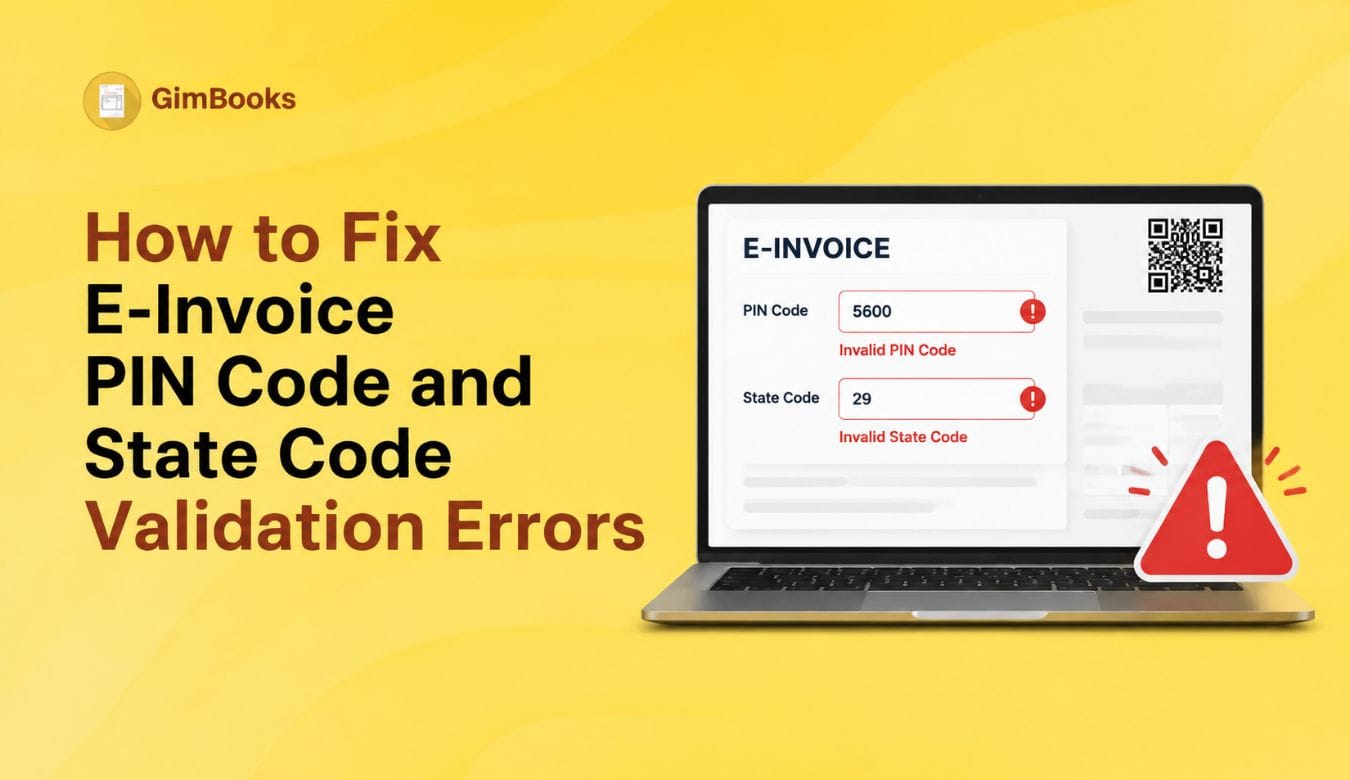
E-invoice PIN code and state code validation errors are common when invoice address details do not match the GST or IRP master data. These errors usually appear when the buyer, supplier, dispatch-from or ship-to address has the wrong state, wrong PIN code, missing GSTIN state mapping or incorrect address selection in the billing software.
For finance teams, this error can delay IRN generation, hold up dispatch, affect e-way bill creation and create pressure during month-end reporting. The issue becomes more serious for businesses that generate invoices in bulk or manage multiple branches, warehouses and ship-to addresses..
The good news is that most e-invoice PIN code errors and state code validation errors can be fixed by checking master data before pushing the invoice to the Invoice Registration Portal.
This guide explains how to fix e-invoice PIN code and state code validation errors in GST, why these errors happen, what fields to check and how billing software can prevent them.
What Are E-Invoice PIN Code and State Code Validation Errors?
E-invoice PIN code and state code validation errors happen when the IRP finds that the address, PIN code, GSTIN state code or selected state in the invoice data does not match the expected validation rules.
In simple words, the system is saying:
“The PIN code, state code or GSTIN state information in this invoice does not match correctly. Please correct the address details before generating IRN.”
These errors can occur in:
- Supplier details
- Buyer details
- Dispatch From details
- Ship To details
- Billing address
- Shipping address
- Customer master
- Branch master
- Bulk upload file
- API payload from billing software
If the data is wrong in the party master, every future invoice for the same customer or branch may fail until the master record is corrected.
Why These Errors Matter for E-Invoicing
PIN code and state code errors are not just address mistakes. They can affect core GST treatment because the state code helps identify the correct state linked to the GSTIN or address.
If the state code, PIN code and GSTIN do not align, the IRP may reject the invoice. This can delay IRN generation and stop the invoice from being treated as a valid e-invoice.
These errors can cause:
- IRN generation failure
- E-way bill generation failure where e-way bill is generated with e-invoice
- Incorrect CGST, SGST or IGST treatment
- Dispatch delays
- Buyer reconciliation issues
- GSTR-1 mismatch risk
- Manual correction workload for accountants
If your team regularly faces IRP rejections, you should also read GimBooks’ guide on E-Invoice Error Codes and Fixes.
Common E-Invoice PIN Code and State Code Error Messages
PIN Code vs State Code vs GSTIN State Code
To fix the error properly, your team should understand the difference between PIN code, state code and GSTIN state code.
The GSTIN is a 15-digit number, and the first two digits represent the GST state code. For example, if the buyer GSTIN starts with 27, the buyer is registered in Maharashtra. If the invoice master selects Karnataka or Delhi for the same buyer GSTIN, state code validation may fail.
Main Reasons E-Invoice PIN Code and State Code Errors Happen
Most of these errors happen because invoice data is copied from old records, manually entered or not validated against GST and e-invoice master data.
Common reasons include:
- Customer state entered manually instead of selected from a valid state list
- PIN code belongs to a different state
- GSTIN belongs to one state but billing address shows another state
- Shipping address and billing address are mixed
- Branch address is outdated
- Dispatch From details use the wrong warehouse state
- Ship To address is missing or incomplete
- Bulk upload file has the wrong state code
- API payload passes state name instead of valid state code
- Customer master has free-text state names
- Party address is copied from invoice remarks instead of structured fields
The long-term fix is not just correcting one invoice. The real fix is cleaning the party master, branch master and ship-to address records.
Step 1: Identify Which Address Section Has the Error
Before changing anything, identify whether the error is coming from buyer, supplier, dispatch or ship-to details.
This is important because many teams correct the buyer master even when the actual problem is in the ship-to or dispatch-from section.
For bill-to/ship-to scenarios, read GimBooks’ E-Invoice Bill-to Ship-to Data Entry Checklist.
Step 2: Check the Customer or Party Master
Most e-invoice PIN code and state code errors start in the party master. If the customer master has the wrong state or PIN code, every invoice created for that customer can fail.
Check the customer master for:
- Legal name
- GSTIN
- Billing address
- Shipping address
- State
- State code
- PIN code
- Country
- GST registration type
- Place of supply
- Contact person and branch details, if applicable
If the customer has multiple delivery locations, create separate ship-to addresses instead of overwriting the billing address. This is especially important for customers with branches in different states.
Step 3: Validate PIN Code and State Mapping
A PIN code should belong to the state selected in the invoice data. If the PIN code belongs to another state, the IRP may reject the document.
Use this table as a practical check:
Billing software should validate PIN-state mapping before sending the invoice to the IRP.
Step 4: Match GSTIN State Code with Selected State
The first two digits of GSTIN indicate the registered state. If the selected state in the invoice does not match the GSTIN state, the invoice can fail validation.
This is especially important for customers who have GST registrations in multiple states. Do not use one GSTIN for all branches. Use the GSTIN belonging to the correct buyer location.
Step 5: Check Dispatch From and Ship To Details
Many businesses fix buyer details but forget dispatch and ship-to details. This is a common reason for recurring IRP validation errors.
Check these fields carefully:
Ship-to master data is especially important for distributors, manufacturers and businesses shipping goods to customer branches.
Step 6: Review Place of Supply and Tax Type
PIN code and state code errors often appear along with place-of-supply errors. If the state, GSTIN and place of supply do not align, the system may also flag tax errors.
For detailed rules, use GimBooks’ Place of Supply Audit Checklist for Goods Invoices and Place of Supply Audit Checklist for Service Invoices.
Step 7: Fix Errors in Bulk Upload Files
Bulk upload files are a major source of e-invoice state code validation errors because one wrong column can affect many invoices.
Before upload, check:
A useful control is to run a validation check before final IRN generation. If your business generates invoices in bulk, also read GimBooks’ Month-End Bulk E-Invoice Generation Without Missing the 30-Day Limit.
Step 8: Fix API Payload Issues in Billing Software
If you use billing software or API integration for e-invoicing, the issue may not be visible on the invoice screen. It may be in the payload being sent to the IRP.
Ask your technical or software team to check whether the payload is passing:
- Correct state code
- Correct PIN code
- Structured billing address
- Structured shipping address
- Dispatch details
- Ship-to details
- Buyer GSTIN
- Supplier GSTIN
- Place of supply
- Correct transaction type
- Correct supply type
Sometimes the front-end invoice looks correct, but the API sends old customer master data, default warehouse state or missing ship-to fields.
Billing software should use master-data validation before sending the invoice to the IRP.
Step 9: Use a Party Master Cleanup Checklist
A clean party master is the best long-term fix.
For mandatory invoice data checks, refer to GimBooks’ GST Invoice Mandatory Fields Audit Checklist.
Quick Fix Table for Common E-Invoice PIN Code and State Code Errors
How GimBooks Helps Prevent PIN Code and State Code Errors
Manual invoice creation makes it easy to enter the wrong state, PIN code or GSTIN. This becomes difficult to manage when the business has many customers, branches, warehouses or ship-to addresses.
With GimBooks e-invoicing software, businesses can manage GST invoices and e-invoice workflows in a more structured way. GimBooks helps teams maintain better invoice records, validate billing information and reduce manual correction work before IRN generation.
Businesses can also use GimBooks GST billing software to manage customers, invoices, inventory, payments and GST reports from one place.
For finance teams, this means fewer repeated IRP validation errors and better control over invoice data before reporting.
Practical Checklist to Fix E-Invoice PIN Code and State Code Errors
Use this checklist when an invoice fails because of PIN code or state code validation:
- Read the exact IRP error message.
- Identify whether the error is in supplier, buyer, dispatch-from or ship-to details.
- Check customer GSTIN and selected state.
- Match GSTIN state code with billing state.
- Check whether PIN code belongs to the selected state.
- Update customer or party master instead of correcting only one invoice.
- Add separate shipping address if bill-to and ship-to states are different.
- Check dispatch branch or warehouse master.
- Validate place of supply and tax type.
- Correct bulk upload file columns before re-upload.
- Check API payload if invoice screen looks correct but IRP rejects it.
- Regenerate IRN only after correcting the source data.
- Track rejected invoices in a pending IRN report.
For broader control, use GimBooks’ E-Invoice Cut-Off Control Sheet for ₹10 Crore+ Businesses.
Conclusion
E-invoice PIN code and state code validation errors usually happen because of incorrect or incomplete master data. The most common causes are wrong customer state, invalid PIN code, GSTIN-state mismatch, ship-to address mismatch, dispatch-from errors and bulk upload issues.
To fix e-invoice PIN code and state code errors, finance teams should first identify which address section failed, then correct the party master, GSTIN, PIN code, state code, dispatch details and ship-to details before retrying IRN generation.
The best long-term solution is to maintain clean party masters, validate address data before invoice creation and use billing software that helps reduce GST address mismatch errors before the invoice reaches the IRP.
FAQs
What does e-invoice PIN code error mean?
An e-invoice PIN code error means the PIN code entered in the invoice data is missing, invalid or does not match the selected state. It can occur in buyer, supplier, dispatch or ship-to details.
What does “PIN code does not belong to state” mean in e-invoice?
It means the PIN code entered in the invoice does not match the state selected in the same address section. The billing team should correct the relevant address master before retrying IRN generation.
How do I fix state code validation error in e-invoice?
Check the GSTIN, state, state code and address in the supplier, buyer, dispatch and ship-to details. Correct the master record and then regenerate the e-invoice.
Why does GSTIN state code mismatch happen?
GSTIN state code mismatch happens when the state selected in the invoice does not match the state represented by the GSTIN. It can also happen when a customer has multiple GSTINs and the wrong GSTIN is selected.
Can a wrong ship-to address cause e-invoice rejection?
Yes. If ship-to state code or PIN code does not match, the invoice can fail validation. This is common when billing and delivery addresses are different.
Should I correct the invoice only or the customer master?
Correct the customer or party master first. If you correct only one invoice, the same error may appear again in future invoices for the same customer.
Can bulk uploads cause state code validation errors?
Yes. Bulk upload files can cause state code validation errors if buyer state code, ship-to state code, dispatch PIN code or place-of-supply columns are incorrect.
How can billing software prevent these errors?
Billing software can prevent these errors by validating GSTIN-state mapping, PIN-state mapping, party master data, ship-to addresses, dispatch details and place of supply before sending data to the IRP.