
How to Update Vehicle Number in E-Way Bill Online (2026 Guide)
To update the vehicle number in an E-Way Bill online: Log in to the GST E-Way Bill portal. Select Update Vehicle Number from the E-Way Bill menu. Enter the EBN. Enter the new vehicle registration number and transportation details. The new vehicle is updated in Part B of the E-Way Bill.

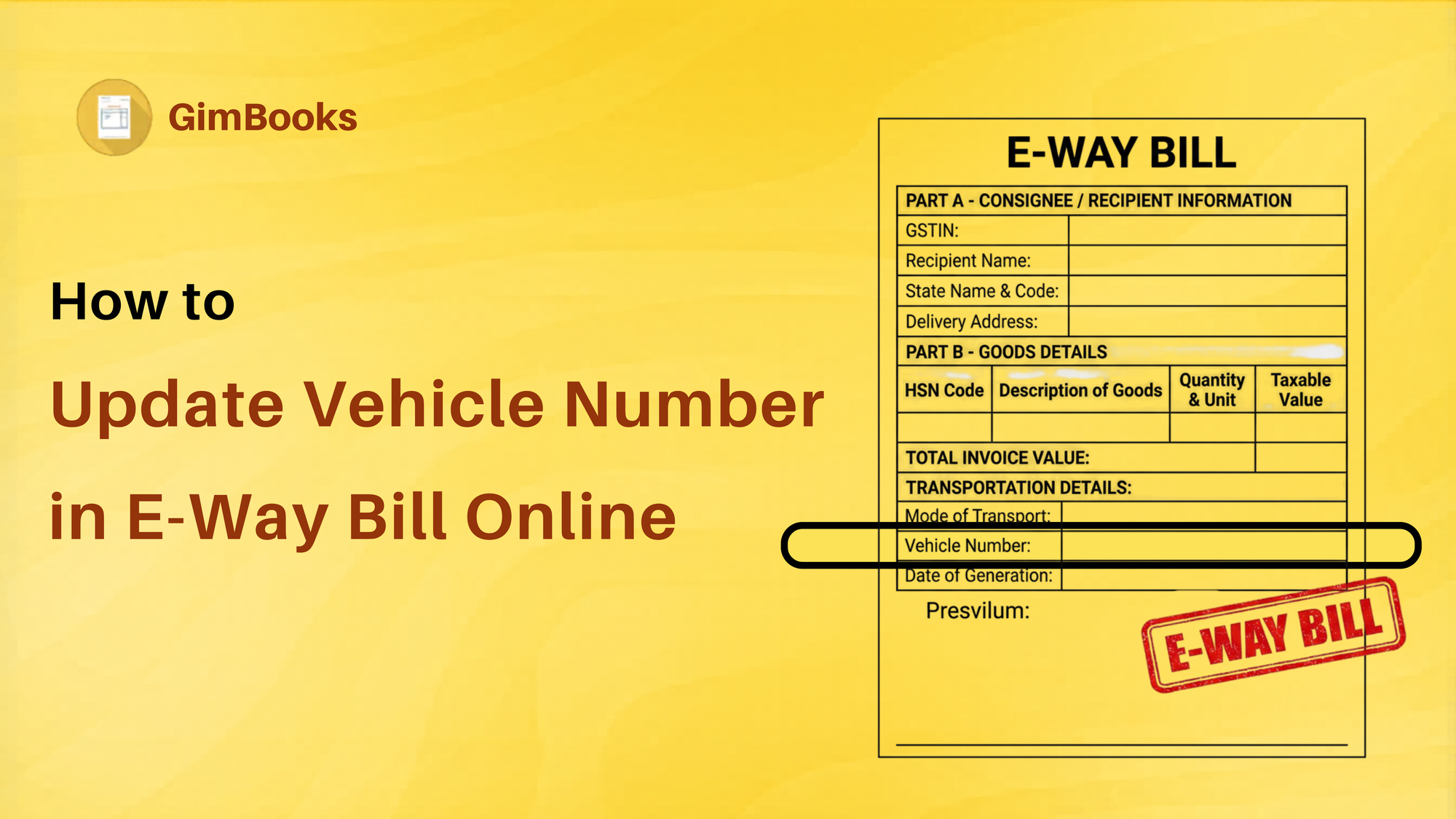
How to Update Vehicle Number in E-Way Bill Online: Step-by-Step Process
Moving goods often involves unexpected changes. A truck may break down, or a shipment may be transferred to another vehicle. Even the transporter might assign a different vehicle after the E-Way Bill has already been generated.
But this question affects business owners more:
Can the vehicle no. be changed or updated after generating an E-Way Bill?
The GST E-Way Bill system allows you to update the vehicle number by modifying Part B of the E-Way Bill before or during transportation.
Today, we'll find about Part B update and more answers to:
- When vehicle number update are required
- Who can update the vehicle number
- Step-by-step process
- Part B Rules under GST
- Common mistakes to avoid in Vehicle no. Update
- Frequently asked questions
What is a Vehicle Number Update in an E-Way Bill?
The vehicle number update refers to changing the vehicle details entered in Part B of an E-Way Bill.
Part A contains invoice-related information:
- GSTIN
- Invoice number
- Value of goods
- HSN code
Part B contains transportation details, including:
- Vehicle Number
- Transport Document Number
- Transport Mode
Whenever the vehicle transporting the goods changes, Part B should be updated.
When Should You Update the Vehicle Number?
You should update the vehicle number in the following situations.
- Vehicle Breakdown
The original truck develops a mechanical issue, and goods are shifted to another vehicle.
- Change in Transporter
The transporter assigns a different vehicle before delivery.
- Transshipment
Goods are moved from one truck to another during transit.
- Incorrect Vehicle Number Entered
The wrong vehicle registration number was entered while generating the E-Way Bill.
- Multiple Vehicle Movement
Goods are transported through different vehicles in different stages of the journey.
Change Vehicle Number After Generating an E-Way Bill
You can update only Part B of the E-Way Bill to change vehicle no. in the invoice details in Part A cannot be modified after generation.
The update should be done before the goods continue transportation in the new vehicle.
Who Can Update the Vehicle Number?
The following people can update Part B:
- Registered Supplier
- Registered Recipient
- Transporter
- E-Commerce Operator (where applicable)
- Documents Required
Keep these details ready before updating Part-B of e-waybill:
- E-Way Bill Number (EBN)
- New Vehicle Number
- Transport Mode
- Transporter ID (if applicable)
Step-by-Step Process to Update Vehicle Number in E-Way Bill Online
Step 1: Log in to the E-Way Bill Portal
Visit the official GST E-Way Bill portal and log in using your credentials.
Step 2: Navigate to Update Vehicle Number
From the dashboard:
e-Waybill → Update Vehicle Number
Step 3: Enter the E-Way Bill Number
- Enter the 12-digit EBN.
- Click Go.
- The E-Way Bill details will appear.
Step 4: Enter New Vehicle Number
Enter the following details:
- New Vehicle Registration Number
- Reason for Vehicle Update
- Transport Mode
Double-check the vehicle number before proceeding.
Step 5: Submit
The portal confirms the successful update. The revised vehicle information is now reflected in Part B.
6 Rules for Updating Vehicle Number in 2026
Businesses should remember the following:
- Update only Part B.
- Part A cannot be edited.
- Update before continuing transportation.
- Ensure the vehicle number is entered correctly.
- Maintain proper transport records.
- Carry the updated E-Way Bill during transit.
6 Best Reasons to Update Vehicle Number Online
| Reason | Update Required |
|---|---|
| Truck breakdown | Yes |
| Vehicle replaced | Yes |
| Goods shifted during transit | Yes |
| Wrong vehicle entered | Yes |
| Invoice value changed | No |
| GSTIN correction | No |
What are the Benefits of Updating Vehicle Number after E-waybill Generation?
Updating transportation details helps businesses:
- Stay GST-compliant
- Avoid penalties
- Prevent detention of goods
- Ensure smooth transportation
- Maintain accurate logistics records
- Reduce disputes during inspections.
Read more:
Latest E-way bill changes.
Common Mistakes to Avoid While Updating Part-B
-
Entering Incorrect Vehicle Numbers
Even a small typing error may create compliance issues during inspection.
-
Delaying the Update
Always update before goods move in the replacement vehicle.
-
Editing Part A
Invoice details cannot be modified after E-Way Bill generation.
-
Ignoring Multi-Vehicle Transport
Each vehicle movement should be updated whenever required.
Explore: E-waybill Generation for Interstate and Local Transport
Best Practices for E-Waybill Generation
Follow these tips:
- Verify vehicle details before submission.
- Update immediately after a vehicle change.
- Inform the transporter about the update.
- Keep digital copies of updated e-way bills.
- Regularly monitor shipments.
Conclusion
Updating the vehicle number in an E-Way Bill is a simple but important step for maintaining GST compliance during the transportation of goods. Whenever a shipment moves to another vehicle due to breakdowns, transshipment, or operational changes, businesses should promptly update Part B of the E-Way Bill.
Keeping transportation details accurate helps avoid penalties, reduces the chances of shipment delays, and ensures smooth movement of goods. Businesses that regularly transport goods can further simplify compliance by using GST billing software with integrated E-Way Bill features, enabling faster invoice generation, transportation management, and document tracking from a single platform.
FAQs for Updating Vehicle No. After E-waybill Generation Online in 2026
Can I update the vehicle number after generating the E-Way Bill?
Yes. You can update Part B of the E-Way Bill if the transporting vehicle changes during transit.
Can Part A also be updated?
No, once an E-Way Bill is generated, Part A details such as invoice number, GSTIN, and invoice value cannot be edited.
Is updating the vehicle number mandatory?
Yes, if goods are moved in a different vehicle than originally mentioned, Part B should be updated before continuing transportation.
Who can update the vehicle number?
The supplier, recipient, or transporter, depending on who generated or manages the E-Way Bill.
Can multiple vehicle updates be made?
Yes, if goods are shifted between vehicles during transit, the vehicle details can be updated each time.
What happens if I don't update the vehicle number?
Transporting goods with incorrect vehicle details may lead to delays during verification, penalties, or detention of goods under GST provisions.