
How to Amend GSTR 1 After Filing B2B Invoices Correctly
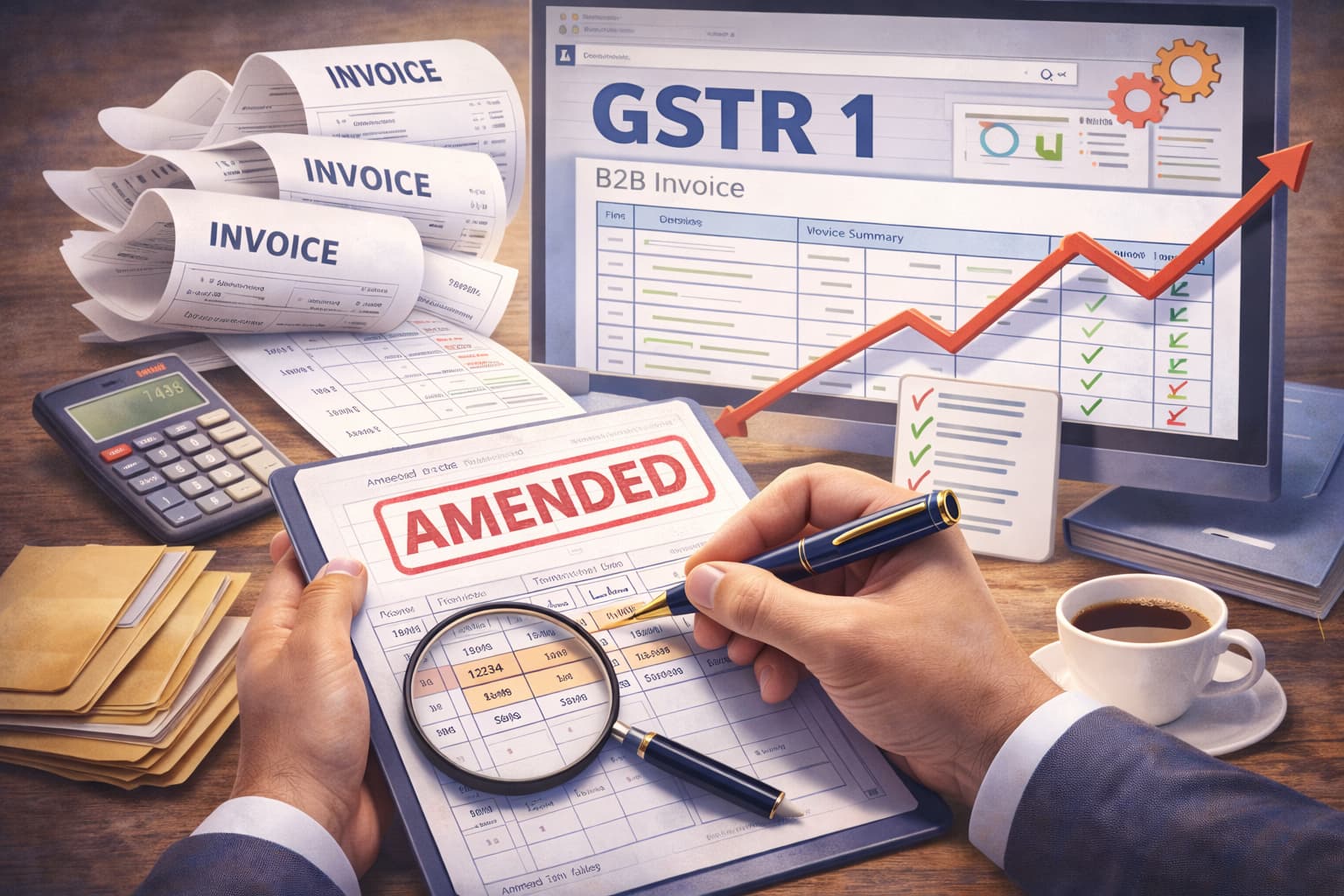
How to amend GSTR 1 after filing B2B invoices is a common question for many small and micro-sized businesses. When businesses file their GST returns, small errors can happen. For example, you may enter the wrong GSTIN, invoice value, or tax amount in a B2B invoice.
The good news is that the GST system allows businesses to correct these mistakes through a GSTR 1 Amendment. Instead of revising the entire return, you can simply update the incorrect details in the next filing period.
In this informative blog, we will explain how to amend GSTR 1 after filing, the rules you must follow, the GSTR 1 amendment time limit, and how businesses can avoid common filing errors.
What is the meaning of an amendment in GST?
Before learning how to amend GSTR 1 after filing B2B invoices, it is important to understand the meaning of an amendment in GST.
In GST, an amendment means correcting or modifying the details that were submitted in a previously filed return.
These corrections are allowed when:
- Invoice details were entered incorrectly.
- The GSTIN of the buyer was wrong.
- The invoice value or tax amount was incorrect.
- The invoice was reported in the wrong period.
- There was a GSTR 1 error in the submission.
Instead of editing the already filed return, GST allows taxpayers to make corrections in the next month's return through a GSTR 1 Amendment.
This helps maintain transparency while ensuring the records stay accurate.
Can GSTR 1 Be Revised After Filing?
Many businesses ask: Can GSTR 1 be revised after filing?
The answer is no. Once GSTR 1 is submitted and filed, it cannot be directly revised.
However, businesses can correct errors using the GSTR 1 Amendment feature.
This means:
- The original return stays unchanged.
- Corrections are made in the next tax period.
- Updated information is reflected in GST records.
So, while we can amend GSTR 1 after filing, the GST system does allow amendments, but only through the amendment section in later returns.
Can We Amend GSTR 1 After Filing?
Yes, we can amend GSTR 1 after filing is possible under the GST rules.
Businesses can update incorrect invoice details using the amendment tables available in GSTR 1.
These amendments apply to:
- B2B invoices
- Credit notes and debit notes
- Export invoices
- Taxable value changes
- GSTIN corrections
For example:
If a business reported an invoice value of ₹10,000 instead of ₹1,000, it can correct the value in the next GSTR 1 filing using the GSTR 1 Amendment option.
This ensures the buyer receives the correct input tax credit.
Time Limit for Amendment in GSTR 1
Understanding the time limit for amendment in GSTR 1 is very important.
The GST law allows amendments only within a specific period.
The GSTR 1 amendment time limit is:
- Up to November 30 of the following financial year, or
- Before filing the annual return, whichever comes earlier.
For example:
If an invoice was reported incorrectly in FY 2024-25, the correction must be made before November 30 of the next financial year or before the annual return is filed.
If the deadline passes, the amendment to the GST cannot be made.
This is why businesses must regularly review their invoices.
Common Errors in B2B Invoices in GSTR 1
Small businesses often face mistakes while filing returns. These mistakes led to the need for the GSTR 1 Amendment.
Some common errors include:
Incorrect GSTIN of the Buyer
Entering the wrong GSTIN prevents the buyer from claiming input tax credit.
Wrong Invoice Number
Typing mistakes in invoice numbers may create duplicate records.
Incorrect Tax Amount
Sometimes the CGST, SGST, or IGST values are entered incorrectly.
Incorrect Taxable Value
Businesses may enter the wrong invoice value.
Wrong Invoice Date
Entering the wrong date may shift the invoice to another tax period.
These errors are common, which is why knowing how to amend GSTR 1 after filing B2B invoices is important for every business.
How to Amend GSTR 1 After Filing B2B Invoices
Now, let us understand how to amend GSTR 1 after filing B2B invoices step by step.
Step 1: Log in to the GST Portal
Visit the GST portal and log in using:
- GSTIN
- Username
- Password
After logging in, go to the Returns Dashboard.
Step 2: Select the Financial Year and Return Period
Choose the correct:
- Financial year
- Month of return
Open the GSTR 1 return for the period where you want to make the correction.
Step 3: Go to the Amendment Section
Inside GSTR 1, you will find tables for amendments.
For B2B invoices, select the Amendment to B2B Invoices section.
This section allows you to modify details of invoices reported earlier.
Step 4: Enter Original Invoice Details
To amend an invoice, you must first enter the original details.
These include:
- Original invoice number
- Original invoice date
- Buyer GSTIN
This helps the GST system identify the exact invoice that needs correction.
Step 5: Enter the Correct Details
Now update the correct information, such as:
- Correct invoice value
- Correct tax amount
- Correct GSTIN if needed
- Updated taxable value
This completes the amendment in GST for that invoice.
Step 6: Save and Submit the Amendment
After updating the information:
- Click Save
- Review the details carefully.
- Submit the amendment
Once submitted, the corrected information will be recorded in the GST system.
This completes the process of how to amend GSTR 1 after filing B2B invoices.
Common GSTR 1 Error in Submission
Many businesses also face a GSTR 1 error in submission while filing returns.
One of the most common errors is:
“Error: You have no summary to submit GSTR1.”
This error appears when the GST portal cannot find saved data for submission.
How to Fix “Error You Have No Summary to Submit GSTR1”
The error that you have no summary to submit GSTR1 can occur for several reasons.
Here are simple ways to fix it.
Ensure Data Is Saved
Before submitting the return, make sure the invoice data is saved properly.
Click Save before generating the summary.
Generate Summary Again
Sometimes the system fails to generate the summary automatically.
Click Generate GSTR 1 Summary again.
Wait for System Processing
The GST portal may take a few minutes to update data.
Refresh the page and try again.
Clear Browser Cache
Sometimes, the browser cache creates technical errors.
Clear the cache and log in again.
These steps usually resolve the GSTR 1 error in submission.
Why Accurate GST Filing Is Important
Correct GST filing is very important for small businesses.
According to data shared by the Finance Ministry of India, the number of GST return filers increased by about 65% to more than 1.13 crore taxpayers, highlighting the growing adoption of GST compliance among businesses.
Errors in invoices can create several issues:
- Buyers cannot claim input tax credit.
- GST records become inaccurate.
- Businesses may receive notices from the tax department.
- Accounting records become difficult to manage.
Knowing how to amend GSTR 1 after filing B2B invoices helps businesses correct mistakes quickly and maintain proper compliance.
Tips to Avoid GSTR 1 Amendment
While the GSTR 1 Amendment helps fix mistakes, it is always better to avoid errors in the first place.
Here are some useful tips.
Verify Buyer GSTIN
Always check the GSTIN before creating invoices.
Double Check Invoice Values
Confirm taxable value and tax amounts before uploading.
Maintain Proper Records
Keep invoice records organized to avoid confusion.
Use GST-Compliant Software
Using automated accounting software reduces manual mistakes.
Review Before Filing
Always review the summary before submitting the return.
These practices help businesses avoid frequent amendments in GST.
How GimBooks Helps Businesses Avoid GST Filing Errors
Managing invoices, accounting, and GST returns manually can be difficult for small businesses.
This is where GimBooks helps.
GimBooks is a cloud-based and mobile-first bookkeeping and business management platform designed mainly for small and micro-sized businesses in India and the Middle East.
Originally launched as an invoice maker app after GST was introduced, GimBooks has evolved into a complete GST-compliant invoicing and accounting software.
With GimBooks, businesses can:
- Create GST invoices easily.
- Maintain accurate bookkeeping records.
- Track income and expenses.
- Manage business finances from mobile or desktop.
- Stay GST compliant without confusion.
By simplifying invoicing and bookkeeping, GimBooks helps businesses reduce errors that often lead to GSTR 1 Amendment.
Final Thoughts
Understanding how to amend GSTR 1 after filing B2B invoices is essential for every small business operating under GST.
Since GSTR 1 can be revised directly, businesses must use the GSTR 1 Amendment option in the next return period to fix errors.
It is also important to remember the GSTR 1 amendment time limit, because corrections are allowed only within a specified timeframe.
By reviewing invoices carefully and using GST-compliant tools, businesses can reduce mistakes and maintain accurate tax records.
When GST compliance becomes simple, businesses can focus more on growth and less on paperwork.
To know more, explore the GimBooks expert blog section!
Also check
How to Prevent Fake Invoicing with Accounting Software
GST Filing Due Dates for March 2026
How to File GSTR 1 Online: Complete Return Filing Guide
FAQs
Can we amend GSTR 1 after filing B2B invoices?
Yes, we can amend GSTR 1 after filing is allowed under the GST rules? However, you cannot edit the already filed return. Instead, you can correct the mistake using the GSTR 1 Amendment section in the next return period.
What is the time limit for amendment in GSTR 1?
The time limit for amendment in GSTR 1 is up to November 30 of the following financial year or before filing the annual return, whichever comes first. After this deadline, businesses cannot make any amendments to the GST for that invoice.
Can GSTR 1 be revised once it is submitted?
No, can GSTR 1 be revised directly after submission is not allowed. If there is a mistake, you must use the GSTR 1 Amendment tables in the next filing period to correct the invoice details.
What are the common reasons for a GSTR 1 error in submission?
A GSTR 1 error in submission may occur due to incomplete invoice data, system processing delays, or technical issues on the GST portal. One common error is “error you have no summary to submit GSTR1,” which usually happens when the return summary has not been generated.
What types of details can be corrected through a GSTR 1 amendment?
Through a GSTR 1 Amendment, businesses can update details such as the buyer GSTIN, invoice number, invoice date, taxable value, and tax amount. This helps correct mistakes made while reporting B2B invoices and ensures proper GST records.