
GST Invoice Management System (IMS) Guide for MSMEs
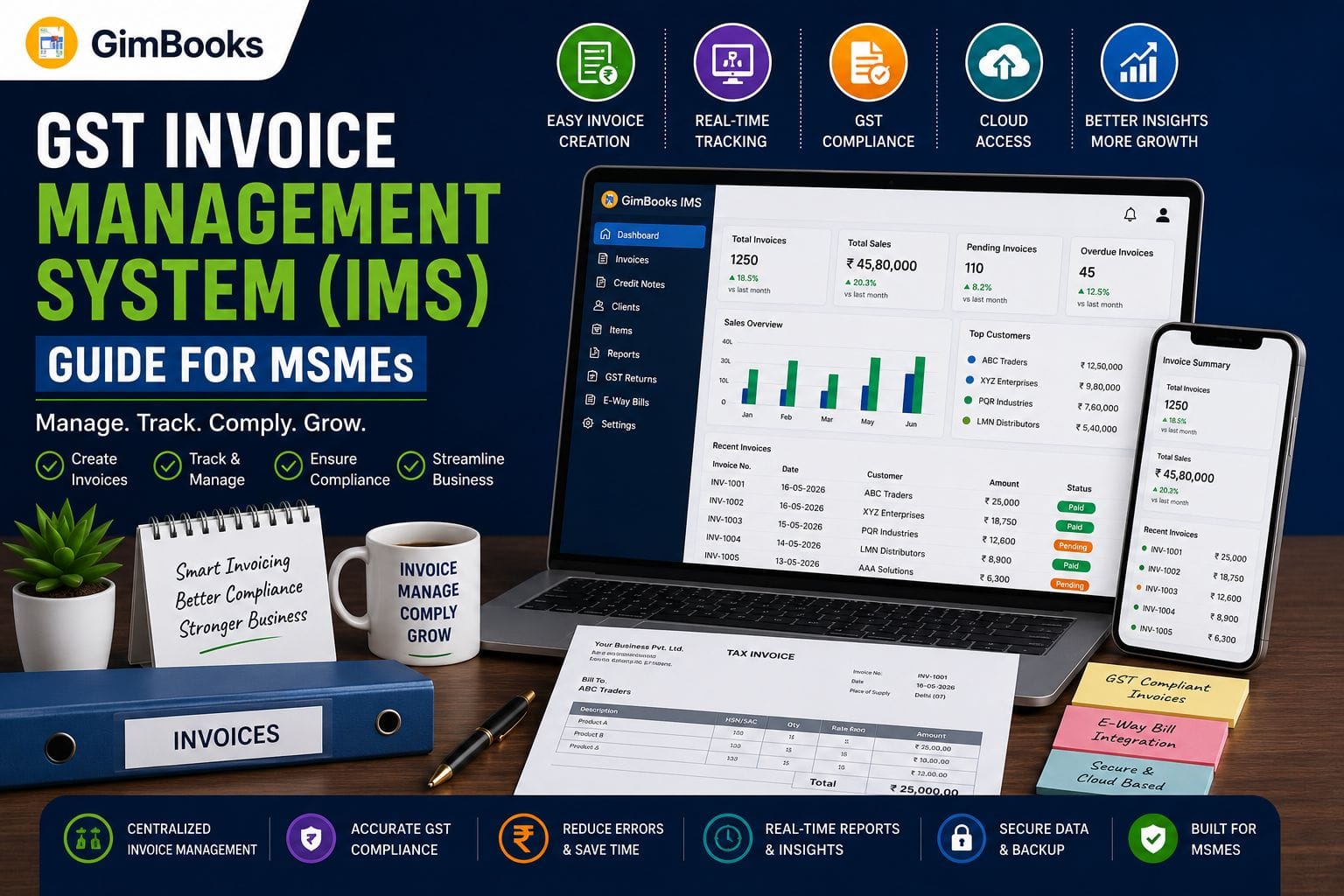
The GST Invoice Management System, commonly called GST IMS, allows registered businesses to review invoices and other records uploaded by their suppliers before the related Input Tax Credit is reflected in their GST returns.
For MSMEs, this creates an important monthly compliance checkpoint. Instead of finding incorrect GSTINs, duplicate invoices, missing purchases or tax-value mismatches only at the time of filing GSTR-3B, businesses can examine supplier records through the GST IMS dashboard and take appropriate action.
This guide explains how GST IMS works, which invoices appear in it, when to accept, reject or keep a record pending, how IMS affects GSTR-2B and how MSMEs can use the GST IMS offline tool for bulk invoice reconciliation.
Key Takeaways
- GST IMS is a facility available on the GST Portal for reviewing supplier-uploaded invoices and related records.
- Recipients can generally mark a record as Accept, Reject or Pending.
- Records left under No Action are normally treated as deemed accepted during GSTR-2B generation.
- Accepted records may become part of the eligible ITC section of GSTR-2B and flow into GSTR-3B.
- Rejected records do not auto-populate as eligible ITC in GSTR-3B.
- Pending records stay outside the relevant GSTR-2B until they are accepted, rejected or reach the applicable time limit.
- GSTN introduced additional pending, ITC-reversal and remark options from the October 2025 tax period.
- An Excel-based GST IMS offline tool is now available for reviewing and acting on individual or bulk invoices.
What Is GST Invoice Management System?
The GST Invoice Management System is a facility on the GST Portal through which recipients can review invoices, debit notes, credit notes and amendments reported by their suppliers.
Supplier records saved or filed through GSTR-1, GSTR-1A or the Invoice Furnishing Facility may appear in the recipient’s IMS dashboard. The recipient can then examine those records before the associated ITC is considered for GSTR-2B and GSTR-3B.
GST IMS helps answer three important questions:
- Does this invoice belong to the business?
- Are the supplier, invoice and tax details correct?
- Should the corresponding ITC be accepted now, rejected or reviewed later?
GST IMS Is Not the Same as Invoice Management Software
The term “invoice management system” is also used for billing or accounting software that creates invoices, tracks payments and manages business records.
GST IMS has a narrower meaning. It is the government portal functionality used mainly for reviewing inward-supply records and managing their ITC treatment.
A billing platform can help an MSME maintain accurate source records, but the final Accept, Reject or Pending action must be taken through the GST IMS workflow.
Why GST IMS Matters for MSMEs
Small businesses often manage purchases through a combination of bills, emails, spreadsheets, accounting entries and supplier communications. This makes monthly GST reconciliation difficult when:
- an invoice is entered with the wrong GSTIN;
- the supplier reports an incorrect taxable value;
- a purchase invoice is missing from the books;
- the same invoice is reported twice;
- a credit note is issued but not recorded internally;
- the supplier reports an invoice in a different tax period;
- ITC is claimed before verifying eligibility.
GST IMS gives MSMEs an opportunity to review these issues before filing GSTR-3B.
A regular review process can help reduce incorrect ITC claims, prevent avoidable vendor disputes and create a clearer audit trail for the finance team.
Who Can Access GST IMS?
GST IMS is generally available to:
- normal GST-registered taxpayers;
- SEZ units and developers;
- casual taxable persons.
The system is mainly relevant to recipient taxpayers reviewing inward invoices and other records reported by their suppliers.
To access it, log in to the GST Portal and follow:
Dashboard → Services → Returns → Invoice Management System Dashboard
The dashboard provides recipient-side invoice information and supplier-side visibility into actions taken by customers.
Which Records Appear in GST IMS?
The GST IMS dashboard generally includes original records and amendments reported or saved by suppliers through:
- GSTR-1;
- GSTR-1A;
- Invoice Furnishing Facility.
These may include B2B invoices, debit notes, credit notes and their amendments, depending on the applicable reporting and IMS rules.
Records That May Not Appear in IMS
Some records bypass the IMS action workflow and flow directly to the relevant part of GSTR-2B. These can include:
- records coming from GSTR-5;
- records coming from GSTR-6;
- ICEGATE documents;
- reverse-charge records;
- records ineligible because of place-of-supply rules;
- records affected by the time limit under Section 16(4);
- specified Rule 37A reversal records.
MSMEs should therefore not treat the IMS dashboard as the complete list of every entry appearing in GSTR-2B.
Accept, Reject, Pending and No Action: What Each Status Means
The action selected in GST IMS determines how the record is treated during GSTR-2B preparation.
When Should an MSME Accept an Invoice?
Accept a record only after confirming:
- supplier GSTIN;
- invoice number and date;
- taxable value;
- CGST, SGST or IGST amount;
- place of supply;
- description of goods or services;
- purchase entry in the business books;
- receipt of goods or services;
- basic ITC eligibility.
Acceptance should be based on both the GST Portal record and the actual transaction documents maintained by the business.
When Should an Invoice Be Rejected?
Rejection may be appropriate when:
- the invoice belongs to another business;
- the supplier entered the wrong recipient GSTIN;
- the transaction never occurred;
- the invoice is duplicated;
- the supplier reported a cancelled invoice;
- the amount or tax details are materially incorrect and require supplier correction.
Businesses should ideally contact the supplier before rejecting a genuine but incorrect invoice. A clear communication process reduces the risk of repeated amendments and reconciliation disputes.
When Should an Invoice Be Kept Pending?
Pending may be used when the transaction appears genuine but cannot yet be accepted because:
- the invoice copy has not been received;
- goods or services are still under verification;
- the purchase entry is missing from the books;
- the tax amount requires clarification;
- the business intends to claim the ITC in a later period;
- supporting documents are incomplete.
Pending should not become a permanent holding category. Every pending record must be tracked and resolved before the relevant statutory time limit.
How GST IMS Affects GSTR-2B and GSTR-3B
The main value of IMS is its connection with the recipient’s ITC workflow.
Accepted Records
Accepted records are included in the relevant ITC-available section of GSTR-2B, subject to other GST eligibility rules. The corresponding amount may then auto-populate in GSTR-3B.
Rejected Records
Rejected records appear in the rejected section of GSTR-2B for reference. Their ITC does not auto-populate as eligible credit in GSTR-3B.
Pending Records
Pending records do not become part of the relevant GSTR-2B or GSTR-3B until the taxpayer changes their status, subject to the applicable time limit.
No-Action Records
Records on which no action has been taken are generally treated as deemed accepted when GSTR-2B is generated.
This makes No Action a compliance decision in practice. MSMEs should not leave the entire dashboard untouched on the assumption that no action means no ITC impact.
Step-by-Step GST IMS Workflow for MSMEs
Step 1: Update the Purchase Register
Before opening GST IMS, record all purchase invoices, debit notes and credit notes received during the tax period.
The purchase register should contain:
- supplier name and GSTIN;
- invoice or note number;
- document date;
- taxable amount;
- GST amount;
- total invoice value;
- place of supply;
- payment or receipt status.
Step 2: Open the GST IMS Dashboard
Log in to the GST Portal and navigate to:
Services → Returns → Invoice Management System Dashboard
Select the appropriate period and open the recipient view.
Step 3: Compare IMS Records With Business Books
Match each GST IMS record against:
- purchase register;
- supplier invoice;
- goods-receipt records;
- expense documents;
- debit and credit notes;
- payment records, where relevant.
Use invoice number, GSTIN, date, taxable value and tax amount as the main matching fields.
Step 4: Classify Mismatches
Create simple categories for unresolved records:
Step 5: Take Action in IMS
Choose Accept, Reject or Pending only after verification.
Actions can generally be revised before the corresponding GSTR-3B is filed. Where more than one action is taken, the latest saved action applies.
Once the relevant GSTR-3B is filed, the action for that period is frozen.
Step 6: Review Draft GSTR-2B
Draft GSTR-2B is normally generated on the 14th of the following month. Review whether accepted, rejected and deemed-accepted records have been treated correctly.
If an IMS action is changed after draft GSTR-2B is generated, recompute GSTR-2B before filing GSTR-3B so that the revised action is reflected.
Step 7: File GSTR-3B Only After Final Review
Before filing GSTR-3B:
- confirm that major invoices have been reviewed;
- resolve high-value mismatches;
- verify credit notes and reversals;
- recompute GSTR-2B where necessary;
- reconcile eligible ITC with the purchase register;
- retain vendor communication and supporting records.
Important IMS Changes Applicable in 2026
GSTN introduced additional IMS controls from the October 2025 tax period. These changes remain relevant for MSMEs using GST IMS in 2026.
Wider Pending Option
The Pending option was extended to specified records, including certain:
- credit notes and upward credit-note amendments;
- downward credit-note amendments where the original credit note was rejected;
- downward invoice or debit-note amendments where the original record was accepted and GSTR-3B was filed;
- certain downward amendments of e-commerce operator documents.
For these specified records, the pending period is limited.
- Monthly filers can generally keep the record pending for one tax period.
- Quarterly filers can generally keep it pending for one quarter.
After the allowed period expires, Pending is disabled. The taxpayer must accept or reject the record; otherwise, the system may treat it as deemed accepted.
ITC Reduction Declaration
For relevant credit notes and amendments, the recipient can indicate whether ITC needs to be reduced.
Where only part of the original ITC was claimed, the business may declare the amount that needs to be reversed instead of allowing an incorrect full reversal.
This is especially useful when:
- the original invoice was only partly eligible for ITC;
- the business had already reversed part of the credit;
- no ITC was claimed on the original transaction.
Remarks for Rejected and Pending Records
Taxpayers can add remarks while marking a record as Reject or Pending. Remarks create useful context for internal teams and supplier discussions.
A clear remark should state the problem, such as:
- GSTIN mismatch;
- invoice not found in books;
- duplicate record;
- incorrect taxable value;
- goods not received;
- amendment requested from supplier.
How to Use the GST IMS Offline Tool
GSTN introduced an Excel-based IMS offline utility in April 2026. It is useful for MSMEs and accountants handling a large number of invoices or working with limited portal connectivity.
Step 1: Download the Utility
On the GST Portal, go to:
Downloads → Offline Tools → IMS Offline Tool
Download the ZIP file, extract it and open the Excel utility after enabling the required macros.
Step 2: Download IMS Data
Log in to the GST Portal and navigate to:
Services → Returns → Invoice Management System Dashboard → Offline
Download the IMS data as a JSON file.
Step 3: Import the JSON File
Open the offline tool and select Open Downloaded IMS JSON File.
The utility will populate the invoice data into the relevant worksheets.
Step 4: Review and Take Action
For each record, select:
- Accept;
- Reject;
- Pending;
- No Action.
Add remarks where required. The tool can be used for both individual and bulk invoice actions.
Step 5: Validate the Worksheets
Use the Validate Sheet option after completing the review.
Correct any highlighted errors before generating the upload file.
Step 6: Generate and Upload JSON
Generate the JSON file and upload it through:
Services → Returns → Invoice Management System Dashboard → Offline → Upload JSON
If the upload produces errors, download the error file, correct the highlighted records and generate a new JSON file.
Monthly GST IMS Checklist for MSMEs
Practical GST IMS Example
Suppose an MSME’s purchase register shows a supplier invoice with:
- taxable value: ₹1,00,000;
- GST: ₹18,000;
- total invoice value: ₹1,18,000.
In GST IMS, the supplier has reported the taxable value correctly but entered GST of ₹28,000.
The business should not accept the invoice simply because the supplier name and invoice number match. It should:
- verify the original tax invoice;
- inform the supplier about the incorrect GST amount;
- keep the record pending where permitted or reject it if correction is required;
- ask the supplier to amend the record;
- review the amended invoice in IMS;
- accept it only after the GST amount is corrected;
- recompute GSTR-2B if the action changes after draft GSTR-2B generation.
This prevents excess ITC from flowing into GSTR-3B.
Common GST IMS Mistakes MSMEs Should Avoid
Accepting Every Invoice Without Reconciliation
Accepting a record confirms that the business has reviewed it. High-value or unusual invoices should always be compared with the books and supporting documents.
Ignoring No-Action Records
No Action does not necessarily keep an invoice outside the ITC workflow. Such records are generally deemed accepted during GSTR-2B generation.
Rejecting Genuine Invoices Without Supplier Communication
A genuine invoice with a correctable error should first be discussed with the supplier. Rejection without coordination can delay amendments and legitimate ITC.
Keeping Records Pending Indefinitely
Pending records are subject to time restrictions. Maintain an ageing list and assign responsibility for follow-up.
Filing GSTR-3B Without Recomputing GSTR-2B
If actions are changed after draft GSTR-2B generation, the updated effect may not be reflected unless GSTR-2B is recomputed.
Treating IMS as the Complete ITC Register
Some records flow directly to GSTR-2B and do not appear in IMS. Always reconcile IMS, GSTR-2B and the purchase register together.
How GimBooks Can Support the GST IMS Preparation Process
GimBooks does not replace the GST Portal’s IMS dashboard. However, organised billing and accounting records make GST IMS reconciliation easier.
GimBooks helps Indian MSMEs manage:
- GST-compliant invoices and vouchers;
- customer and supplier records;
- purchase and inventory information;
- e-invoices and e-way bills;
- expenses and ledgers;
- GSTR-1 and GSTR-3B data;
- business and tax reports;
- billing through mobile and web applications.
When purchase and sales records are maintained consistently, accountants can compare the books with GST IMS and GSTR-2B more efficiently.
A practical workflow is:
Maintain accurate invoices in GimBooks → review supplier records in GST IMS → reconcile GSTR-2B → finalise GSTR-3B
GST IMS Control Checklist Before Filing GSTR-3B
Before completing the monthly or quarterly return, confirm that:
- all high-value purchase invoices have been reviewed;
- invoices not belonging to the business have been rejected;
- incorrect invoices have been communicated to suppliers;
- pending records have an owner and follow-up date;
- credit notes have been checked for the correct ITC reduction;
- changed actions are reflected in recomputed GSTR-2B;
- ITC claimed in GSTR-3B agrees with the reconciled records;
- supporting documents have been retained.
Frequently Asked Questions
What is IMS in GST?
IMS in GST is the Invoice Management System available on the GST Portal. It allows recipient taxpayers to review invoices and related records reported by suppliers and mark them as Accept, Reject or Pending before their ITC treatment is finalised.
Is GST IMS mandatory for MSMEs?
Businesses should review IMS where the functionality is available and relevant to their GST registration. Leaving records under No Action can result in them being treated as deemed accepted, so ignoring the dashboard may create ITC and reconciliation risks.
What happens if no action is taken in GST IMS?
Records with No Action are generally treated as deemed accepted when GSTR-2B is generated. MSMEs should therefore review material invoices rather than relying on the default status.
Can an invoice be rejected after it has been accepted?
An IMS action can generally be changed before the corresponding GSTR-3B is filed. The latest action replaces the previous one. After filing GSTR-3B, the action for that period becomes frozen.
Does a pending invoice appear in GSTR-2B?
A pending invoice does not become part of the relevant GSTR-2B or GSTR-3B until further action is taken, subject to the applicable statutory and system timelines.
What is the GST IMS offline tool?
The GST IMS offline tool is an Excel-based GSTN utility that allows taxpayers to download IMS data, review invoices, perform individual or bulk actions, validate the data and upload the actions through a JSON file.
Do all GSTR-2B records appear in IMS?
No. Certain records, including specified GSTR-5, GSTR-6, ICEGATE, reverse-charge and ineligible ITC records, may flow directly to GSTR-2B without appearing in the IMS dashboard.
How does GST billing software help with IMS reconciliation?
GST billing software keeps invoices, purchases, supplier information and tax values organised. These records can then be compared with the GST IMS dashboard and GSTR-2B to identify missing, duplicate or incorrect entries.
Conclusion
GST IMS gives MSMEs more control over the invoices that influence their Input Tax Credit. However, the system is useful only when businesses review records regularly, maintain accurate purchase data and communicate discrepancies to suppliers before filing GSTR-3B.
A disciplined GST IMS process should include timely bookkeeping, invoice matching, appropriate Accept, Reject or Pending actions, GSTR-2B review and proper documentation.
By maintaining clean GST records with GimBooks and completing the final reconciliation through the GST Portal’s IMS dashboard, MSMEs can reduce avoidable errors, improve ITC accuracy and make return filing more manageable.
Create GST-compliant invoices, organise business records and simplify return preparation with GimBooks.