How to File GST Return Without CA Online
Yes, you can file GST without a CA. This blog explains how to file GST return without a CA online step-by-step using the GST portal or GimBooks app. Learn the GST return filing process, GST login steps, GSTR-1, GSTR-3B, and NIL return filing for small businesses in India.

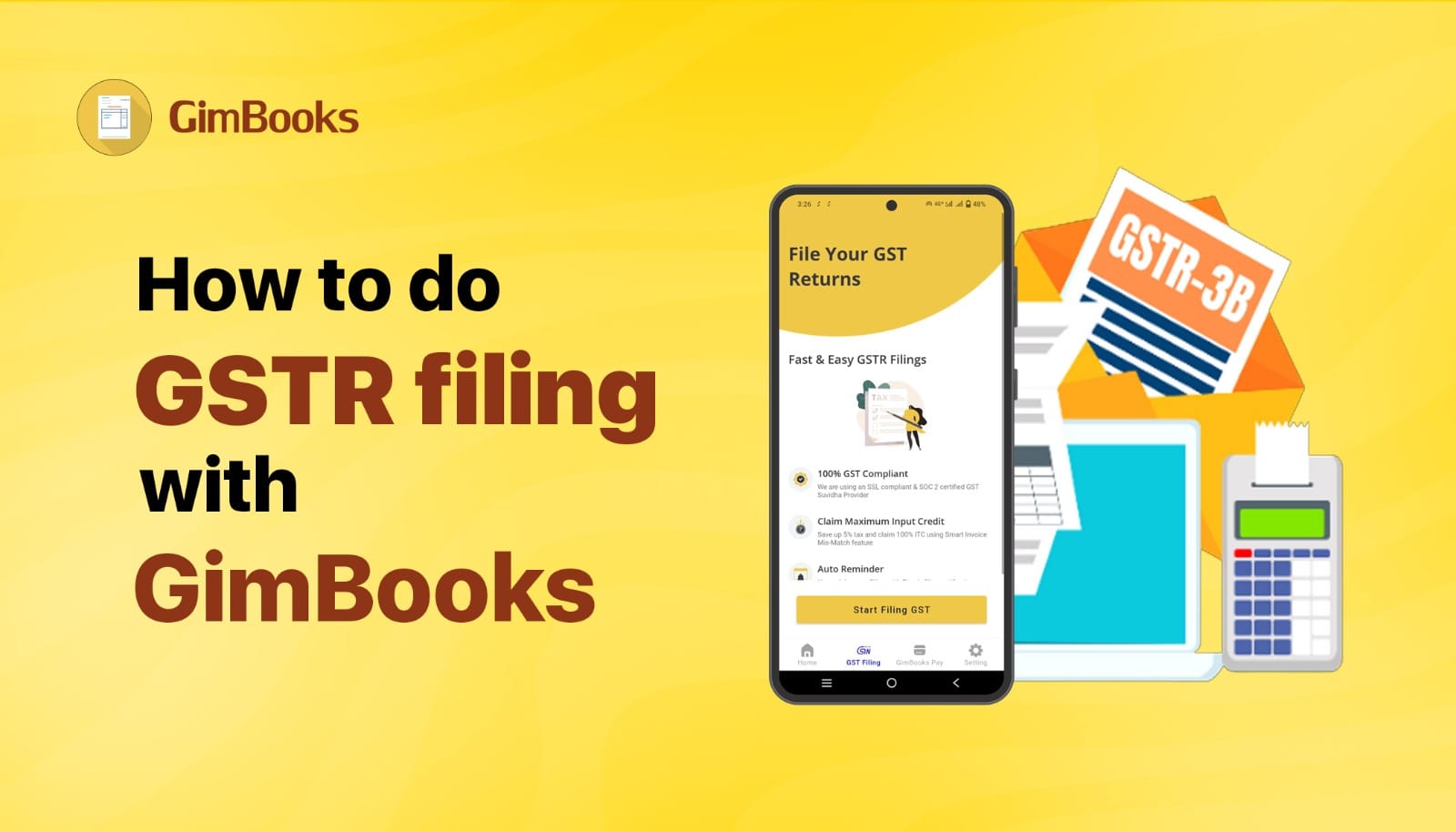
How to File GST Return Without CA in India (Step-by-Step Guide for Small Businesses)
Many small business owners assume that GST return filing always requires a CA or accountant. But the GST system in India was designed so that businesses can file returns themselves through the GST portal.If you know the basic process and keep your sales and purchase records ready, you can complete GST return filing online in just a few steps.
This guide explains how to file GST return without a CA, step by step, in simple terms so that shop owners, freelancers, traders, and MSMEs can file GST returns without a CA.
What Is a GST Return?
A GST return is a document that every registered business submits to the government showing:
- Sales made during the month.
- Purchases made during the month.
- GST received from customers during the month.
- GST paid on purchases during the month.
- Total tax payable during the month.
This information is submitted online through the GST portal. Most regular businesses file two returns:
*GSTR-1 → Sales details.
- GSTR-3B → Summary of tax payable.
Can I File GST Without CA?
Yes, you can file GST by yourself by filing GST return directly from your phone using GST Billing Software. The Government of India allows every registered taxpayer to complete GST return filing directly on the GST portal using their GST login credentials.
Before logging into the GST portal, keep these details ready.
GSTIN
Your GST Identification Number issued after GST registration.
Sales Invoice Details
Information about invoices issued to customers.Example details required:
Invoice number.Invoice date.Customer GSTIN (if applicable).Taxable amount.GST amount.
Purchase Details
Invoices received from suppliers for claiming Input Tax Credit (ITC).
Internet Banking or Payment Option.
If you have tax payable, you’ll need to pay through:
- Net banking.
- UPI.
- Debit card.
Once these details are ready, you can file GST return online in India without any professional assistance. Many small businesses now prefer filing returns themselves using GST billing and accounting software, which automatically prepares return data.
How to file GST Return Online Step-by-Step Process for MSME
Explore GST return filing online step-by-step for MSME-
Step 1: Go to the GST Portal
Visit the official GST portal.
- Enter your GST login credentials:
- Username
- Password
- Captcha code
Once logged in, you will reach your GST dashboard.
Step 2: Select Services → Returns → Returns Dashboard
After login:
- Click Services
- Select Returns
- Open Returns Dashboard
Now select:
- Financial Year
- Return Filing Period
- Then click Search.
Step 3: Choose the GST Return You Want to File
You will see multiple return options, such as:
- GSTR-1
- GSTR-3B
- Nil Return
- Most businesses complete GST monthly return filing through GSTR-1 and GSTR-3B.
- Click Prepare Online.
Explore gstr-1, gstr-3b, gstr-2b
Step 4: Enter Sales Details
In GSTR-1, you must add details of:
- B2B sales (sales to registered businesses)
- B2C sales (sales to customers)
- Credit or debit notes
- Upload the invoice data carefully.
Many businesses generate these details using GST billing software instead of entering them manually.
Step 5: Enter Tax Details in GSTR-3B
After filing GSTR-1, you must file GSTR-3B.
In this return you declare:
- Total sales
- Total purchases
- Input tax credit
- GST payable
- The portal automatically calculates the tax.
File on time with these GST return due dates for 2026.
Step 6: Pay GST (If Applicable)
If your return shows tax payable, you must pay GST before filing. Payment options include:
- Net banking
- Debit card
- NEFT/RTGS
Once payment is completed, continue to the next step.
Step 7: Submit and File the Return
Finally:
Click Submit.
Choose File Return.
Verify using-
- OTP
- Digital Signature Certificate (DSC)
- EVC verification
Your GST return filing will be completed successfully.
GST Nil Return Filing Online
If your business had no sales and no purchases during the month, you still need to file a return. This is called GST NIL return filing online.
Before we begin with GST NIL return filing online process, let's have a look at GST NIL return filing due date list:
| GST Return Type | Filing Frequency | Due Date |
|---|---|---|
| GSTR-3B | Monthly | 20th of the next month |
| GSTR-3B (QRMP – Category A/B) | Quarterly | 22nd or 24th of the month following the quarter |
| GSTR-1 | Monthly | 11th of the next month |
| GSTR-1 | Quarterly | 13th of the month following the quarter |
| CMP-08 (Composition Scheme) | Quarterly | 18th of the month after the quarter ends |
| GSTR-4 (Composition Scheme) | Annual | 30th April following the financial year |
Here's the NIL GST return filing process step-by-step:
- Login to the GST portal.
- Select the return period.
- Choose Nil Return.
- Submit and verify using OTP.
- Filing a Nil return prevents late fees and penalties.
| GST Return | What It Contains | Due Date |
|---|---|---|
| GSTR-1 | Sales invoices | 11th of next month |
| GSTR-3B | Tax summary | 20th of next month |
Late gst nil return late fee per day may lead to penalties and interest.
| NIL GST Return Filing Detail | Late Fee and Interest |
|---|---|
| Late Fee (GSTR-3B / GSTR-1) | ₹20 per day (₹10 CGST + ₹10 SGST) |
| Maximum Late Fee Cap | ₹500 total (₹250 CGST + ₹250 SGST) |
| Interest | 0% (no tax liability) |
| GSTR-4 (Composition Scheme) | Maximum penalty ₹2,000 |
Common Mistakes to Avoid While Filing GST Return
GST Filing Errors made by Small Businesses
- Incorrect GST Calculation.
- Wrong tax rates lead to mismatched returns.
- Missing Purchase Invoices.
- If supplier invoices are missing, you may lose input tax credit.
- Late returns result in penalties and blocked filings.
- Invoice Mismatch.
- Invoice details in GSTR-1 should match actual issued bills.
- Keeping accurate records helps avoid these issues.
 Noorleen Kaur Bhatia
How Billing Software Helps in GST Filing without CA
Filing GST manually every month can become time-consuming. That is why many small businesses use GST billing software because it helps to-
- Automatically calculates GST.
- Records invoices.
- Tracks purchases.
- Generates GST reports.
- Reduces manual errors.
- Preparing data for GSTR-1 and GSTR-3B becomes much faster with GST billing software.
FAQ: Filing GST Return Without CA Online
Can I file GST by myself?
Yes, every registered taxpayer in India can file GST returns without a CA. You can complete GST return filing directly on the GST portal using your GST login credentials. You only need your sales and purchase records.
Steps to file GST return online step-by-step:
- Log in to the GST portal.
- Open the Returns Dashboard.
- Select the return filing period.
- File GSTR-1 to report sales invoices.
- File GSTR-3B to declare tax summary.
- Submit the return and verify using OTP.
This process allows small businesses to file GST return online without CA.
How to file GST return without CA in India?
Small businesses in India can easily complete GST return filing online without hiring a CA. The GST portal allows taxpayers to file returns directly.
Basic steps include:
- Log in to the GST portal using your GST login.
- Upload your invoice and transaction data.
- Check the tax payable amount.
- Pay GST if applicable.
- Verify and submit the return using OTP or DSC.
With proper records, businesses can file GST return online in India quickly and stay compliant.
What happens if I don't file GST returns?
If GST returns are not filed on time, several penalties may apply.
- Late fees may be charged for delayed GST return filing.
- Your GSTIN may be blocked for future filings.
- Input Tax Credit (ITC) claims may be restricted.
Filing GST returns regularly helps businesses remain compliant and avoid penalties.