
How to File GSTR 3B Online Without Errors
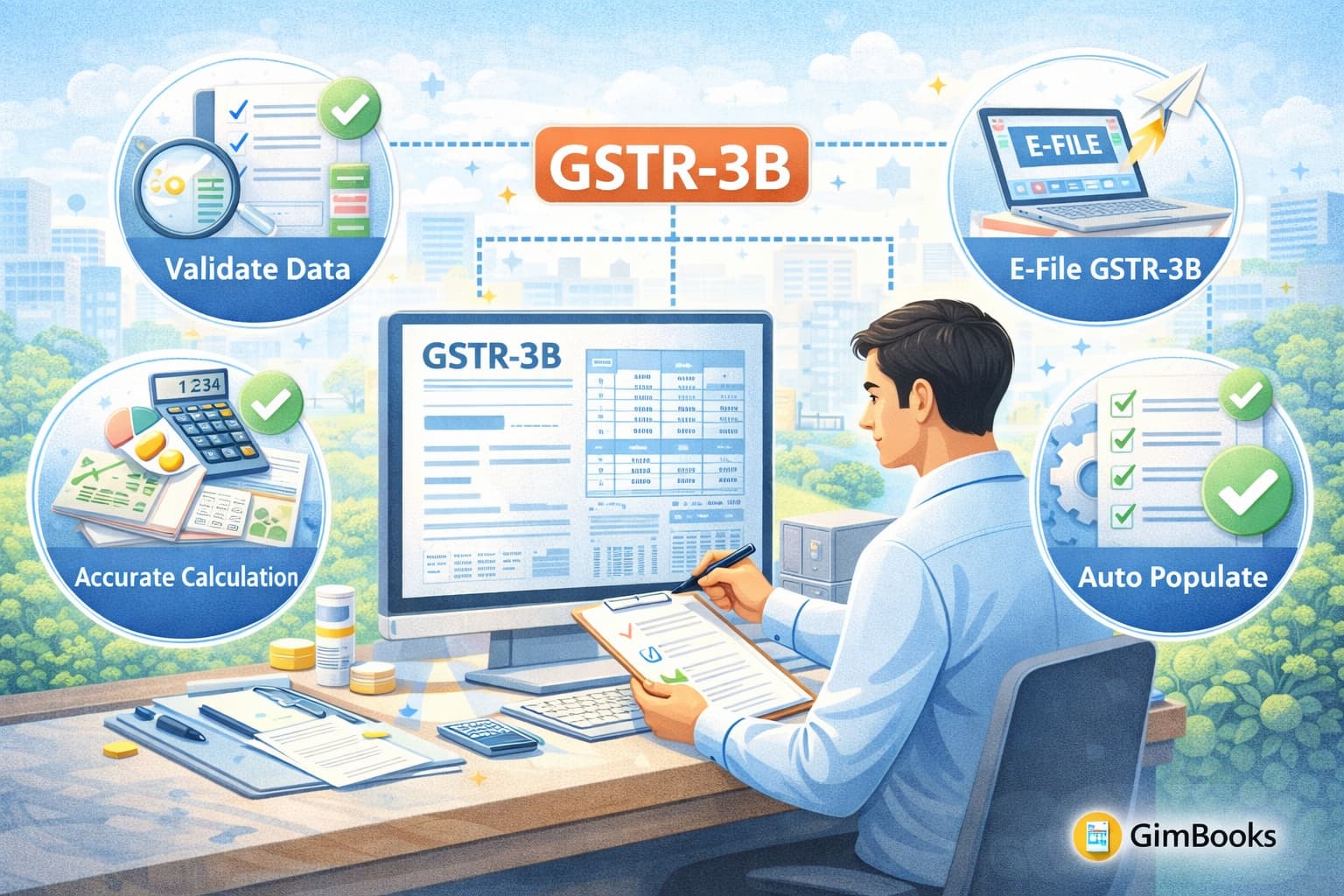
How to file GSTR 3B is one of the most important tasks for small and micro-sized businesses registered under GST. It is a monthly or quarterly summary return where you report your sales, purchases, input tax credit (ITC), and tax payable.
According to the Ministry of Finance, the national average for GSTR-3B filing reached 94.3%, which shows how important timely and accurate filing has become for businesses.
If you file it correctly and on time, you avoid penalties and keep your business compliant. But even small mistakes can lead to notices, late fees, or blocked ITC.
This informative blog will walk you step by step on how to file GSTR 3B online without errors, using simple language and clear instructions.
What is GSTR 3B and Why It Matters
GSTR 3B is a self-declared summary return. You must file it even if you have no transactions.
Why is it important
- It shows your tax liability.
- It helps you claim input tax credit.
- It keeps your GST registration active.
- It avoids penalties and interest.
Who Should File GSTR 3B
You must file GSTR 3B if you are:
- A regular GST taxpayer.
- Registered under GST (even with no sales).
- Filing monthly or quarterly returns.
Even if there is no business activity, you still need to file a nil return.
Key Details You Need Before Filing
Before we delve into how to file GSTR 3B in the GST portal, please keep the following handy:
- Sales details (taxable and exempt).
- Purchase details.
- Input Tax Credit (ITC).
- Tax payable details.
- Cash ledger balance.
This helps you avoid errors while filing.
Step-by-Step Guide: How to File GSTR 3B Online
Here is a simple step-by-step process for filing GSTR 3B online:
Step 1: Login to the GST Portal
- Visit the GST portal.
- Enter your username and password.
Step 2: Go to Returns Dashboard
- Click on “Services”.
- Select “Returns” → “Returns Dashboard”.
- Choose the financial year and return period.
Step 3: Select GSTR 3B
- Click on “Prepare Online” under GSTR 3B.
Step 4: Enter Details in Sections
You will see different sections. Fill them carefully:
1. Outward Supplies:
- Add taxable sales.
- Include IGST, CGST, SGST.
2. Inward Supplies:
- Add purchases liable to reverse charge.
3. ITC (Input Tax Credit):
- Enter eligible ITC.
- Avoid claiming blocked credits.
4. Exempt Supplies:
- Add nil-rated and exempt supplies.
5. Tax Liability:
- Check total tax payable.
Step 5: Save and Preview
- Click “Save GSTR 3B”.
- Review all details carefully.
Step 6: Make Payment
- Use a cash ledger or ITC.
- Complete filing of GSTR 3B payment of tax.
Step 7: Submit and File
- Click “Submit”.
- File using EVC or DSC.
How to File GSTR 3B Nil Return
If you have no transactions, you still need to file.
Steps for how to file a GSTR 3B nil return
- Login to the GST portal.
- Select return period.
- Choose “File Nil GSTR 3B”.
- Confirm nil details.
- File using OTP.
This is the easiest way to file nil GSTR 3B.
How to File GSTR 3B Only Purchase
If you only made purchases and no sales:
- Report purchases under inward supplies.
- Claim ITC carefully.
- Ensure no outward supply is added.
This process helps in filing GSTR 3B only purchase cases.
How to File GSTR 3B After Payment of Late Fee
Missed the due date? Don’t worry.
Steps for how to file GSTR 3B after payment of the late fee
- Calculate the late fee and interest.
- Add funds to the cash ledger.
- Offset liability.
- File return normally.
Late fees must be paid before filing.
How to File GSTR 3B Quarterly Return
Small taxpayers can opt for quarterly filing under the QRMP scheme.
For how to file the GSTR 3B quarterly return
- File GSTR 3B every quarter.
- Pay tax monthly using PMT-06.
- Submit return at quarter end.
This reduces compliance burden for small businesses.
How to Amend GSTR 3B After Filing
Many people ask about how to amend GSTR 3B after filing.
Important:
- You cannot directly revise GSTR 3B.
- You must correct errors in the next return.
Example:
- Wrong ITC claimed → adjust next month.
- Missed sales → add in next return.
How to File GSTR 3B Revised Return
There is no option for filing the GSTR 3B revised return.
Instead:
- Make corrections in future returns.
- Keep proper records for audit.
Common Mistakes to Avoid While Filing
Avoid these common errors when filing GSTR 3B:
- Entering the wrong GSTIN.
- Claiming excess ITC.
- Missing reverse charge entries.
- Not matching with GSTR 2B.
- Filing without checking the preview.
Tips to File GSTR 3B Without Errors
Here are simple tips:
- Always reconcile with GSTR 2B.
- Keep invoices organized.
- Double-check tax rates.
- File before the deadline.
- Use accounting software.
How GimBooks Helps You File GSTR 3B Easily
Filing returns manually can be confusing. This is where GimBooks helps.
GimBooks is a simple and mobile-first bookkeeping platform designed for small businesses.
With GimBooks, you can
- Track sales and purchases easily.
- Generate GST-ready reports.
- Avoid manual errors.
- Stay compliant with GST rules.
It started as an invoice maker but now offers complete GST-compliant accounting support.
This makes filing GSTR 3B online much easier and stress-free.
Also check - How to File GST Return Without CA Online
Benefits of Filing GSTR 3B Correctly
When you file correctly:
- No penalties or late fees.
- Smooth ITC claims.
- Better cash flow.
- No GST notices.
- Clean compliance record.
Due Dates for GSTR 3B
- Monthly filers: 20th of next month.
- Quarterly filers: 22nd or 24th (based on state).
Always check your due date to avoid late fees.
In Closing
Understanding how to file GSTR 3B is key for every small business under GST. The process is simple if you follow the steps and keep your data ready.
Focus on accuracy, file on time, and review your entries before submission. Even if you make a mistake, you can fix it on the next return.
Using tools like GimBooks can save time and reduce errors. It helps you stay organized and makes GST filing much easier.
To know more, explore the GimBooks expert blog section!
Also explore
Billing Software with Inventory Management: Why It Matters for Retailers
How to File GSTR 2B and Understand Input Tax Credit
How to Amend GSTR 1 After Filing B2B Invoices Correctly
FAQs
1. What is the easiest way to file GSTR 3B online?
The easiest way is to log in to the GST portal, fill in the details carefully, preview, and file using EVC or DSC.
2. Can I file how to file GSTR 3B nil return without sales?
Yes, you can file a nil return if you have no transactions.
3. Is there an option for how to file the GSTR 3B revised return?
No, you cannot revise GSTR 3B. You must correct errors in the next return.
4. What happens if I delay filing GSTR 3B after payment of the late fee?
You must pay late fees and interest before filing the return.
5. Can I file how to file GSTR 3B quarterly return instead of monthly?
Yes, if you are eligible under the QRMP scheme, you can file quarterly.