
Create & Share GST Invoice on WhatsApp Web
Still waiting for payments? Send GST invoices on WhatsApp with UPI QR using GimBooks. Step-by-step guide to collect payments faster and reduce follow-ups with payment reminders.

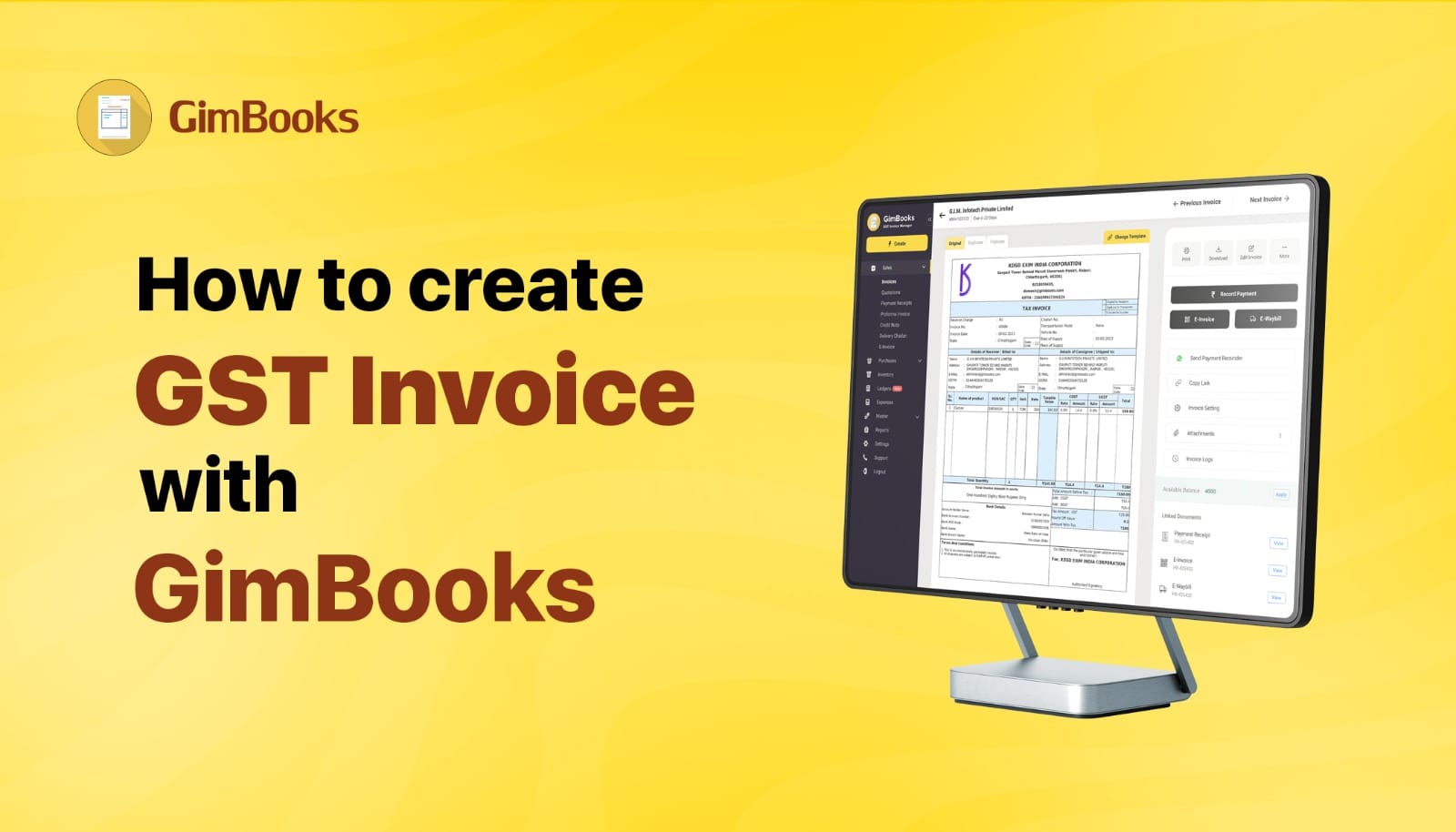
How to Create & Share Invoice on WhatsApp Web (Step-by-Step Guide)
Your customer is already on WhatsApp. Your invoice isn’t. You create the bill. You download the PDF. Then you either email it… or forget to send it altogether.
Meanwhile, your customer is active on WhatsApp Web right now. Checking messages, replying, and making payments.
That gap? That’s where payments get delayed. And this blog shows you how to share any invoice on WhatsApp Web, step by step. So you can send invoices instantly, avoid manual follow-ups, and get paid faster.
Why Create & Send Invoices on WhatsApp Web
Invoice creation is easy on GimBooks Web as it gives the following benefits-
✔ Payment Message Read Instantly.
Invoices sent on WhatsApp are opened within minutes, not hours.
✔ Works directly from your laptop
No need to switch between phone and desktop.
✔ Easy document sharing
Send an invoice PDF in seconds.
✔ Keeps business chats in one place.
Invoice, conversation, and payment proof in one chat.
What You Need Before Sending Invoice on WhatsApp Web
Before you send an invoice on WhatsApp Web, make sure that:
You are logged into WhatsApp Web. Your invoice is downloaded as a PDF file on your computer. The customer’s number is saved on WhatsApp. Internet connection is stable.
How to Create Invoice on GimBooks Web (Step-by-Step)
With GimBooks Web you can easily create invoice instantly WhatsApp Web in following steps-
- Login to GimBooks dashboard.
- Click on Create Invoice.
- Enter details like dispatch details, consignee / shipment details, Item details, charges, bank a/c linked UPI QR code, and custom details for creating GST invoice for B2B.
- Click on Save.
Once created, it takes under 20 seconds to send.
Pro Tip: Add UPI QR Code for Faster Payments.
How to send GimBooks invoice from PC to WhatsApp?
To send an invoice from your computer:
- Open WhatsApp Web on your browser
- Open the customer chat
- Click the paperclip icon
- Select Document
- Upload the invoice PDF from your PC
- Click Send
This is the fastest way to send invoices if you work from desktop.
 Noorleen Kaur Bhatia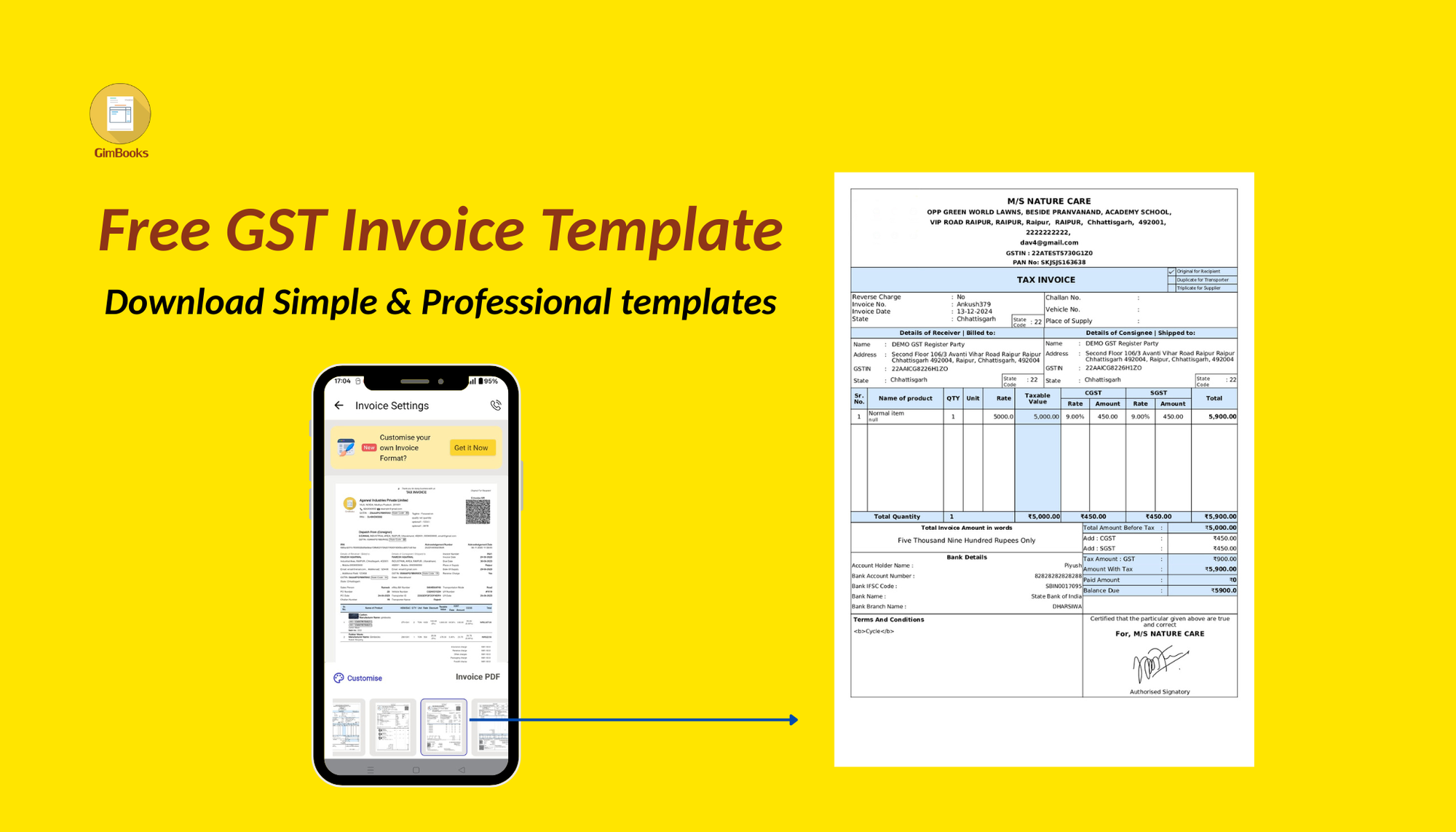
Here’s where most businesses lose money. They send the invoice…
But don’t make it easy to pay. When your invoice includes a UPI QR code:
Customer scans instantly-
Payment happens within minutes
No “send bank details” messages
Please add the bank account to your invoice before sharing.
 Noorleen Kaur Bhatia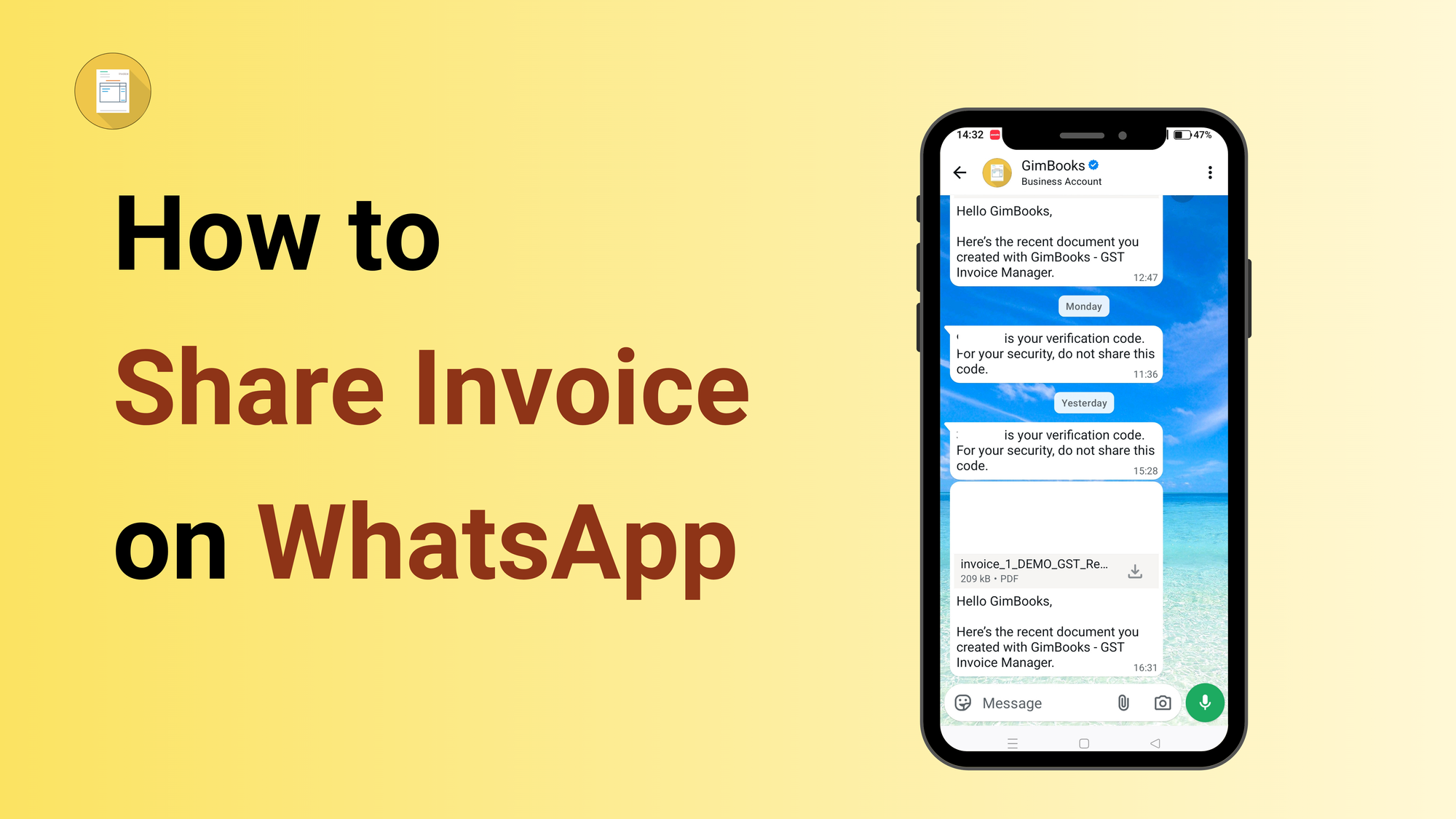
Share GST invoices instantly
Common Problems (And Quick Fixes)
| Problem | Fix |
|---|---|
| PDF not uploading | Check file size and internet connection |
| Wrong customer | Verify number before sending |
| Customer can’t open file | Ask them to update WhatsApp |
| Payment delayed | Add UPI QR code |
Invoice Sharing on WhatsApp Web vs Mobile App
| Feature | WhatsApp Web | Mobile App |
|---|---|---|
| Ease of typing | ✅ Better | ❌ Limited |
| File access | ✅ Direct from PC | ❌ Limited |
| Speed | ✅ Fast | ✅ Fast |
| Mobility | ❌ Desktop only | ✅ Anywhere |
👉 Best approach:
Use Web for sending, Mobile for on-the-go follow-ups.
Conclusion: Stop Delaying Invoice Payments
Your customer is not ignoring your invoice. They just respond faster on WhatsApp. When you send invoices on WhatsApp Web GST format:
- They see it instantly.
- They open it instantly.
- They pay faster (especially with UPI QR code).
If you’re still relying on email or paper bills, you’re slowing down your own cash flow. Start using WhatsApp Web for invoicing today and turn every sent invoice into a faster payment.
Frequently Asked Questions for Instant Invoice Creation and Sharing on WhatsApp Web
How to share invoice on WhatsApp Web?
Open WhatsApp Web, select the chat, click the attachment icon, upload the invoice PDF, and send it.
Can I send GST invoice on WhatsApp Web?
Yes, you can send GST-compliant invoices as PDF files through WhatsApp Web.
How to send invoice directly from software to WhatsApp Web?
Download the invoice PDF from your billing software like GimBooks and upload it on WhatsApp Web.
Is WhatsApp Web safe for sending invoices?
Yes, WhatsApp uses end-to-end encryption, making it safe for business communication.
How to get paid faster using WhatsApp invoices?
Add a UPI QR code in your invoice so customers can scan and pay instantly.
How to send an invoice from PC to WhatsApp?
To send an invoice from your computer:
- Open WhatsApp Web on your browser
- Scan QR code using your phone
- Open the customer chat
- Click the paperclip icon
- Select Document
- Upload the invoice PDF from your PC
- Click Send
This is the fastest way to send invoices if you work from desktop.
How to export an invoice to WhatsApp?
Invoices are not directly “exported” to WhatsApp. Instead:
- Download/export the invoice as a PDF from your billing software (like GimBooks)
- Open WhatsApp or WhatsApp Web
- Attach the PDF and send
Some apps like GimBooks also provide a direct share to WhatsApp button for faster sending.